How to copy a campaign ID in Klaviyo
Here is how to copy a campaign id in klaviyo
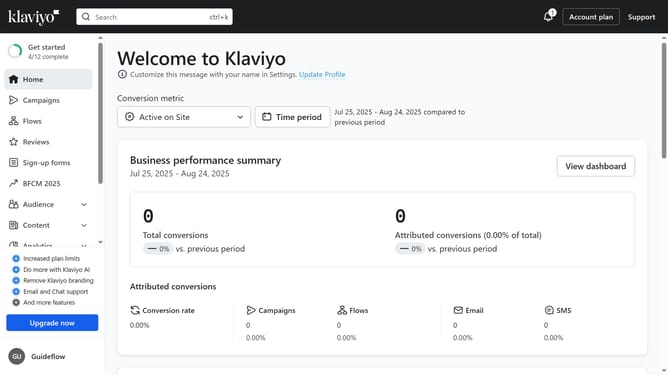
- First click on "Campaigns" in the left sidebar menu
- In the campaigns list, locate the campaign whose ID you want to copy
- Then click the "More options" button (three dots) next to it
- Finally click on "Copy campaign ID" from the dropdown menu that appears
- The campaign ID has been successfully copied and can now be used wherever needed
Why should you copy a campaign ID in Klaviyo
Klaviyo is a powerful platform designed to enhance your email and SMS marketing strategies.
Copying a campaign ID in Klaviyo allows you to seamlessly track and analyze your marketing efforts.
This feature ensures that you maintain consistent reference points across platforms, simplifying data management.
By easily accessing campaign IDs, you bolster collaboration, improve workflow efficiency, and gain valuable insights for future marketing optimizations.
Last update