How to find your API keys in Klaviyo
Here is how to find your api keys in klaviyo
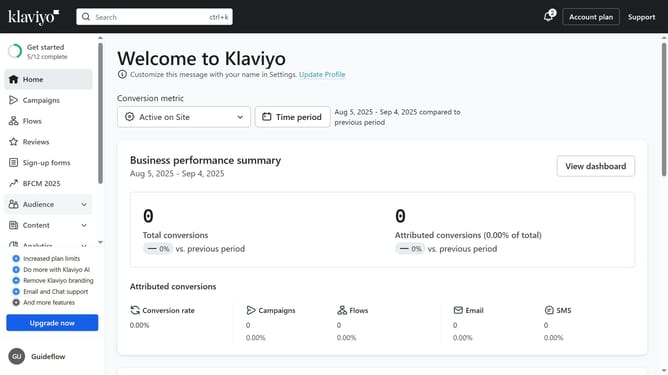
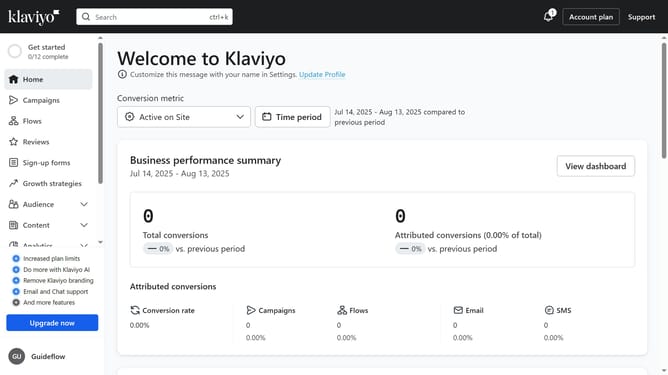
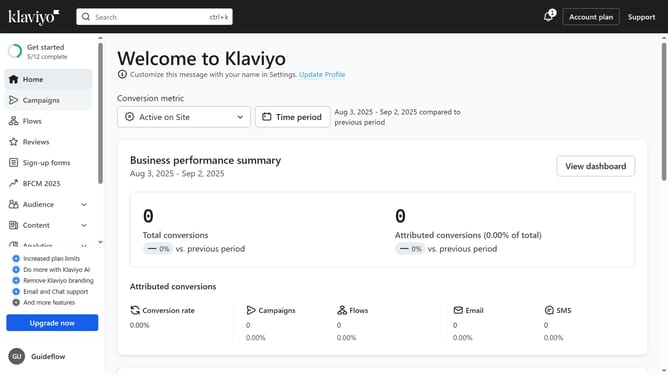
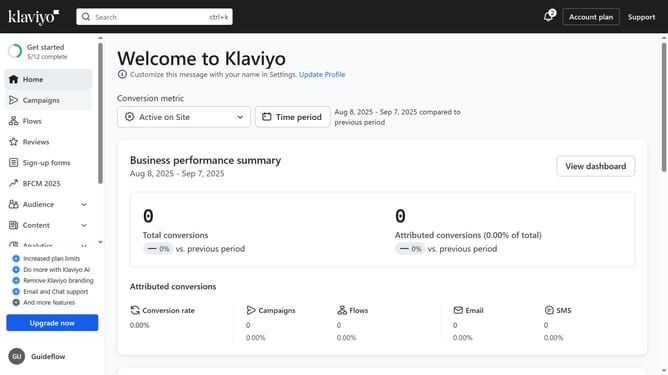
- First click on your account name in the lower left
- Next click on "Settings" option in the dropdown menu
- Click on the "Account" tab in the settings navigation menu
- In the left settings submenu, click on the "API keys" option
- Then on the API Keys page, you will see your existing keys listed (Public API Key and Private API Keys)
Why should you find your API keys in Klaviyo
Klaviyo is a leading platform designed to streamline email marketing and boost customer engagement through data-driven insights.
Accessing your API keys in Klaviyo is crucial for integrating and optimizing third-party apps, enhancing the flexibility and capabilities of your marketing strategies.
These keys open the door to a more customized experience, allowing secure and seamless data interchange between various services, resulting in efficient and targeted communication.
Unlocking these API keys empowers businesses to leverage Klaviyo's full potential, driving sustained growth and engagement.
Last update