How to add tags to multiple campaigns at once in Klaviyo
Here is how to add tags to multiple campaigns at once in klaviyo
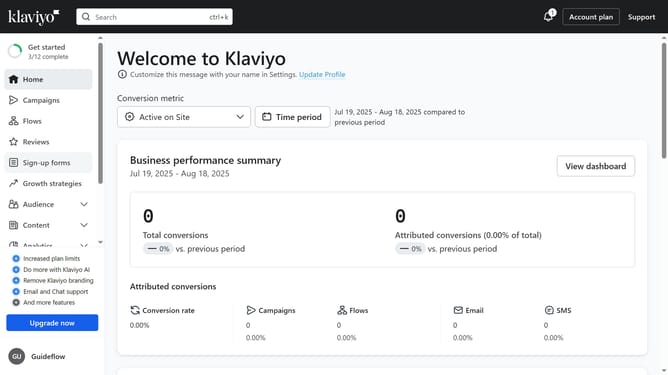
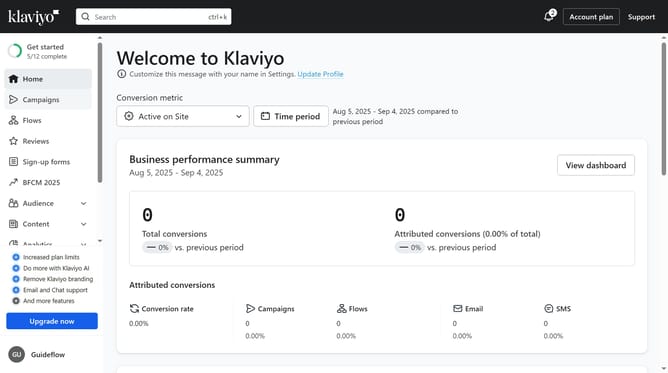
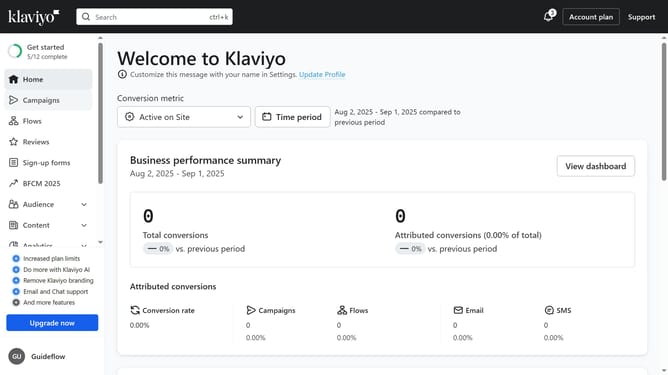
- First click on "Campaigns" in the left sidebar menu
- From the campaigns list, select the campaigns you want to tag by checking the boxes next to each campaign
- Next click on the "Add tags" button in the bottom action bar that appears
- Click on the tags dropdown to open tag selection options
- Then select the tags you want to apply from the list
- Finally click on the "Add Tags" button in the tags dialog to apply selected tags
Why should you add tags to multiple campaigns at once in Klaviyo
Klaviyo is a powerful marketing platform designed to help businesses grow by delivering tailored customer experiences.
The ability to add tags to multiple campaigns at once in Klaviyo is a game-changer for streamlining your campaign management tasks. This feature saves valuable time by allowing you to apply consistent categorization across various campaigns without the repetitive manual effort.
Utilizing this feature enhances campaign organization, making it easier to analyze performance metrics and ensure targeted communication strategies are effectively deployed.
Last update