How to duplicate a sign-up form in Klaviyo
Here is how to duplicate a sign-up form in klaviyo
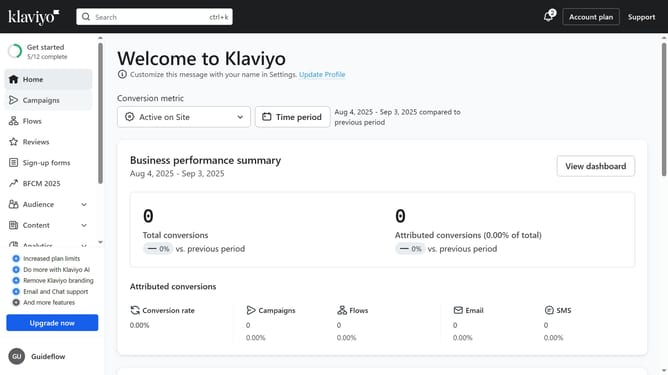
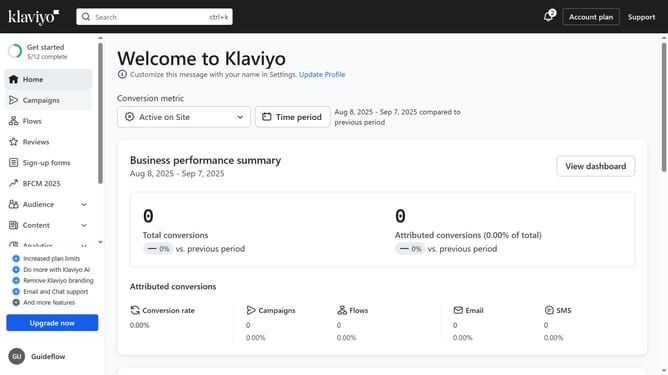
- First click on the "Sign-up forms" in the left sidebar menu
- On the forms list page, find the form you want to duplicate
- Next click the options menu (three dots) next to it
- From the dropdown menu, select the "Clone" option
- In the Clone Form dialog, enter a name for the duplicated form
- Finally click the "Continue" button to confirm and create it
Why should you duplicate a sign-up form in Klaviyo
Klaviyo is a powerful platform designed to enhance your email marketing strategies.
Duplicating a sign-up form in Klaviyo is a feature that streamlines the process of creating forms for your campaigns.
By utilizing this feature, you can save time and maintain consistency across multiple forms, reducing potential errors while customizing for different audiences.
This efficient approach enhances user engagement and ensures that your marketing efforts are both effective and aligned with brand identity.
Last update