How to filter campaigns by scheduled status in Klaviyo
Here is how to filter campaigns by scheduled status in klaviyo
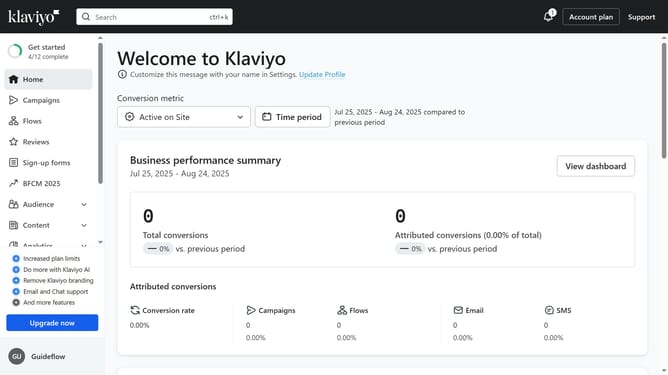
- First click on the "Campaigns" in the left sidebar menu
- Next click on the "Status" filter button in the top filter bar
- Then select the "Scheduled" option from the Status dropdown menu
- The campaigns list will now display only Scheduled campaigns
Why should you filter campaigns by scheduled status in Klaviyo
Klaviyo is a powerful platform designed to enhance email marketing through seamless automation and engaging personalization.
Filtering campaigns by scheduled status in Klaviyo allows you to efficiently manage your marketing efforts. This feature helps you easily view and organize your upcoming, sent, and draft communications without any hassle.
By streamlining your campaign oversight, it becomes easier to allocate resources, make timely adjustments, and ensure that your messaging aligns with your strategy.
Last update