How to allow suppressed members back into a segment in Klaviyo
Here is how to allow suppressed members back into a segment in klaviyo
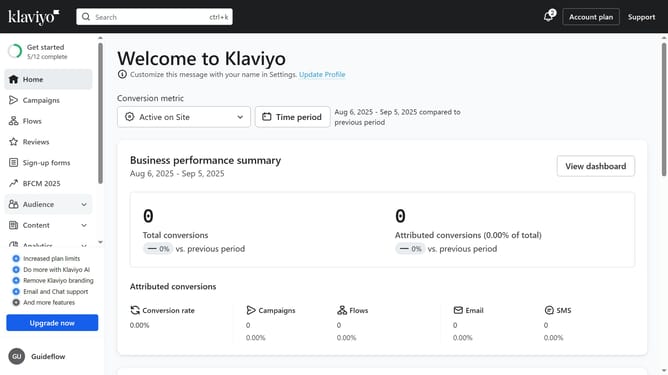
- First click on the "Audience" menu item in the left sidebar
- In the expanded Audience menu, click on the "Lists & segments" option
- Find the segment whose members you want to unsuppress
- Then click on the menu icon (three dots) next to the segment
- From the dropdown menu, select the "Unsuppress current members" option
- Finally click the "Bulk unsuppress" button in the confirmation dialog to proceed
- The current members of this segment are being unsuppressed; this process may take a little while to complete
Why should you allow suppressed members back into a segment in Klaviyo
Klaviyo is a powerful marketing automation platform designed to help businesses personalize their communication with customers.
One of its notable features is the ability to allow suppressed members back into a segment. This feature is essential for businesses wanting to re-engage with their audience efficiently.
It ensures that you maintain the right connections and foster renewed interest among previously suppressed users, optimizing your marketing efforts.
Thus, it plays a crucial part in enhancing customer relationships and boosting retention rates.
Last update