How to schedule a sign-up form to be hidden on your website in Klaviyo
Here is how to schedule a sign-up form to be hidden on your website in klaviyo
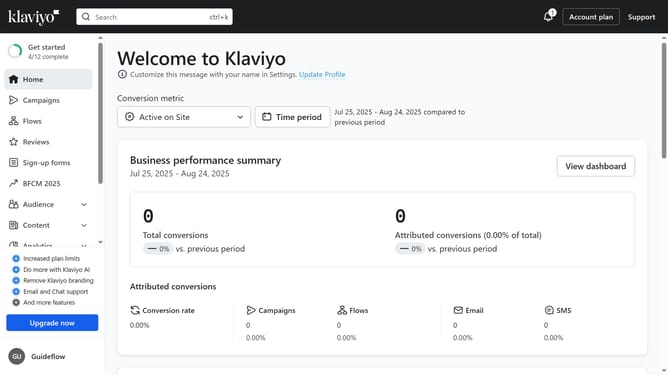
- First click on "Sign-up forms" in the left sidebar menu
- Locate the form you want to schedule in the forms list
- Next click the actions menu (three dots) button next to the form
- Select "Schedule" option from the dropdown menu
- In the schedule form modal, set the end date and time for when you want the form to stop appearing on your site
- Next click the timezone dropdown and set your desired timezone
- Finally click the "Schedule" button to save this schedule plan
Why should you schedule a sign-up form to be hidden on your website in Klaviyo
Klaviyo is a powerful tool for personalized email marketing automation.
Scheduling a sign-up form to be hidden on your website with Klaviyo gives you the flexibility to control user engagement. This feature allows you to manage when and how often your audience sees sign-up prompts, ensuring these are presented at optimal times.
By strategically hiding forms, you can create a smoother visitor experience, reducing clutter and frustration. It empowers you to focus your marketing efforts, showing forms when they are most likely to convert, thereby enhancing your site's overall effectiveness.
Last update