How to schedule a sign-up form to display on your website in Klaviyo
Here is how to schedule a sign-up form to display on your website in klaviyo
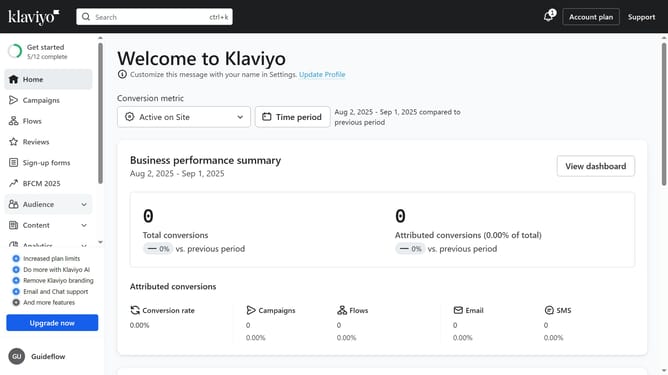
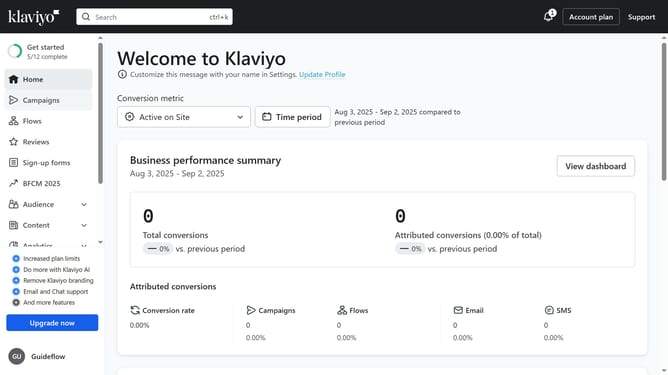
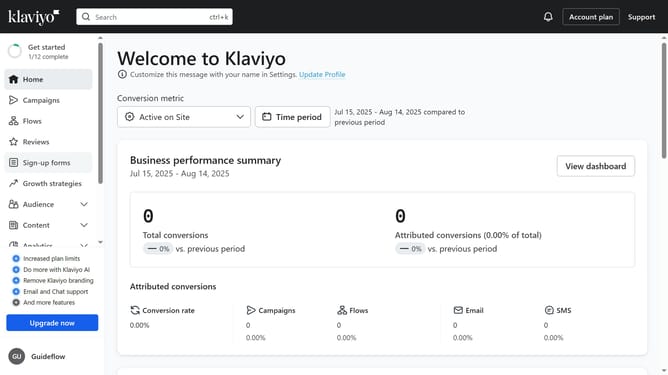
- First click on "Sign-up forms" in the left sidebar menu
- Locate the form you want to schedule in the forms list
- Next click the actions menu (three dots) button next to it
- Select "Schedule" option from the dropdown menu
- In the schedule form modal, select a start date and time for when you want shoppers to start seeing this form on your site
- Next set your desired timezone
- Then, you can set an end date for the form. If no end date is set, the form will remain live until you switch it back to draft
- Finally click the "Schedule" button to save this schedule plan
Why should you schedule a sign-up form to display on your website in Klaviyo
Klaviyo is a powerful marketing automation platform tailored for personalized email and SMS campaigns.
The ability to schedule sign-up forms to display on your website in Klaviyo is a strategic feature that enhances visitor engagement.
By timing your forms to appear at optimal moments, you capture visitor attention effectively, increasing your subscriber list with minimal effort.
This scheduling feature empowers marketers to align with campaign strategies seamlessly, ensuring your audience encounters your message when it matters most.
Last update