How to remove a campaign in Klaviyo
Here is how to remove a campaign in klaviyo
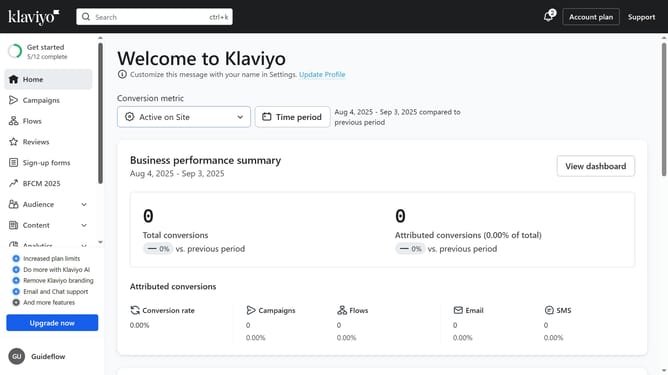
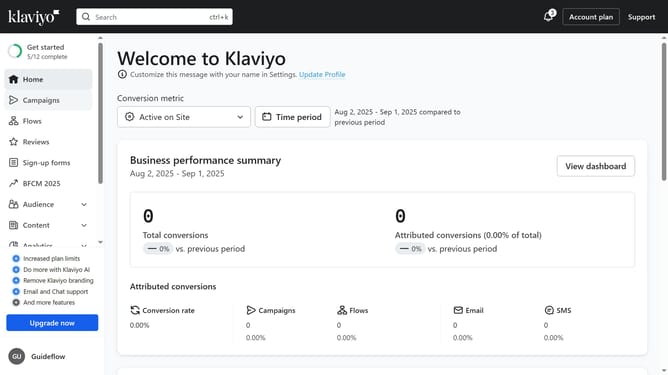
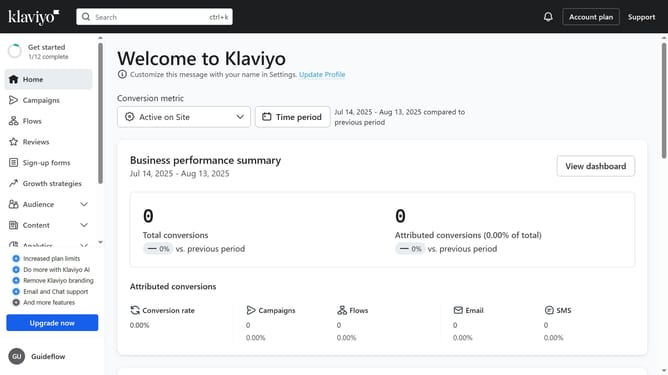
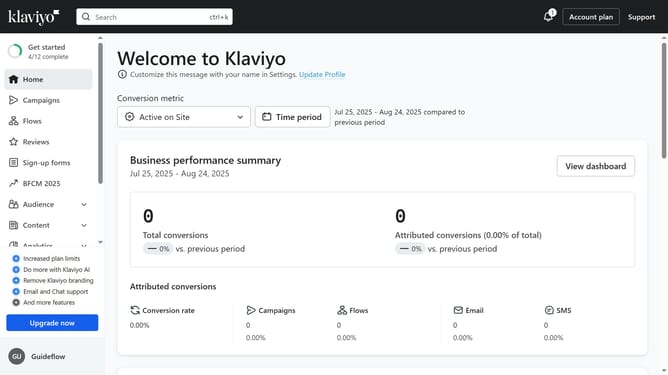
- First click on the "Campaigns" option in the left sidebar menu
- Locate the draft campaign you want to delete from the list
- Next click the options menu (three dots) next to the campaign
- Then select "Delete" from the dropdown menu
- Finally click the "Delete campaign" button in the confirmation dialog
Why should you remove a campaign in Klaviyo
Klaviyo is a powerful platform designed to enhance your marketing efforts through data-driven strategies.
The feature to remove a campaign in Klaviyo offers a streamlined process that allows you to maintain control over your ongoing marketing initiatives. This feature is particularly beneficial for quickly halting campaigns that are no longer relevant or require adjustments, ensuring your messaging remains accurate and effective.
By efficiently managing campaigns, you can optimize your marketing strategy, preserving resources and focusing on more impactful initiatives.
Last update