How to create a basic sign-up form in Klaviyo
Here is how to create a basic sign-up form in klaviyo
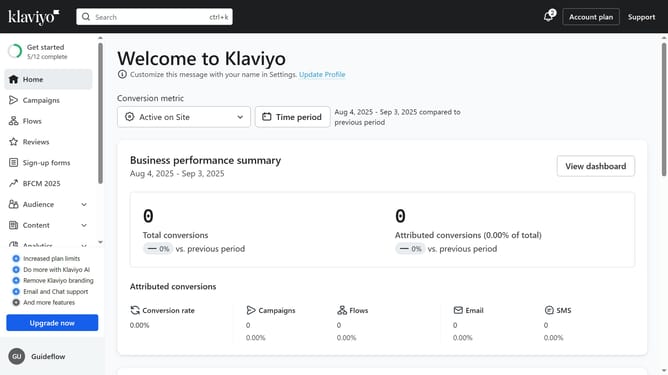
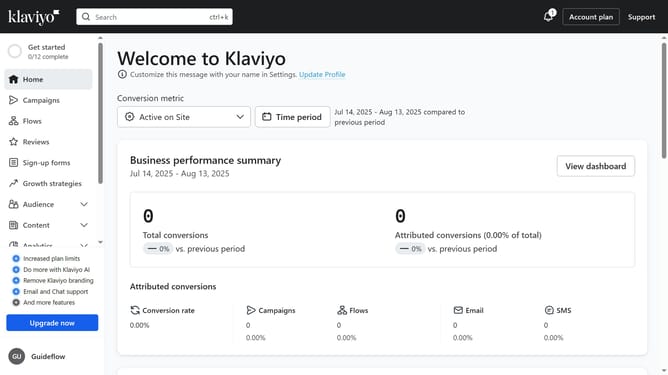
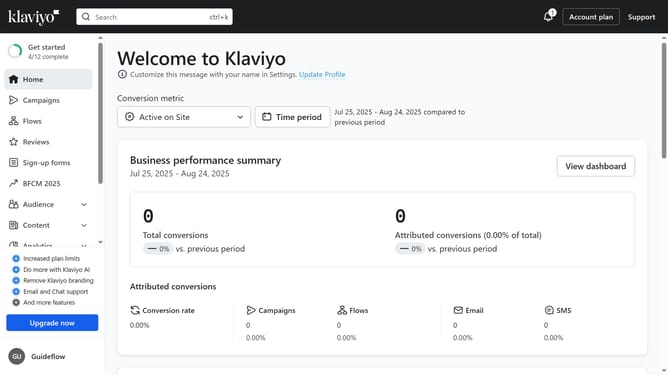
- First click on "Sign-up forms" in the left sidebar menu
- Next click on the "Create form" button in the top right corner
- Browse the library of pre-built form templates
- Then select the template you want to use
- On the preview modal that appears, enter a name for your form
- Next choose the list that your form will submit to
- Click the "Create form" button at the bottom of the modal to enter the form editor
- Your form has been successfully created. Finally you can customize its design and content
- Once your form is ready, click the "Publish" button to make it live if desired
Why should you create a basic sign-up form in Klaviyo
Klaviyo is a powerful marketing automation platform designed to enhance customer experiences and drive business growth.
Creating a basic sign-up form in Klaviyo is an essential feature that helps businesses capture and nurture leads effortlessly.
By integrating a Klaviyo sign-up form on your site, you can grow your email list and foster deeper connections with your audience.
This seamless process allows for enhanced personalization, ensuring subscribers receive tailored content that resonates with their needs and interests.
Last update