How to remove a draft campaign in Klaviyo
Here is how to remove a draft campaign in klaviyo
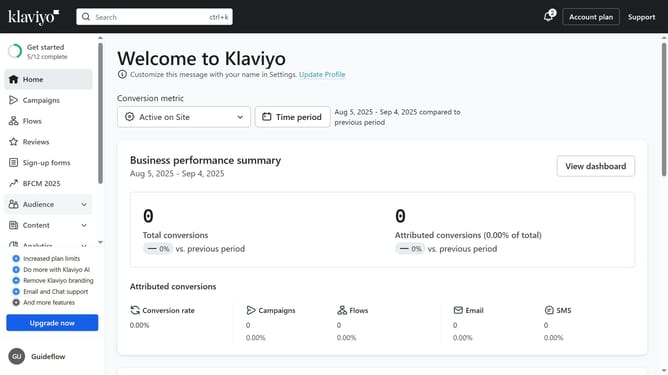
- First click on the "Campaigns" option in the left sidebar menu
- Locate the draft campaign you want to delete from the list
- Next click the options menu (three dots) next to the campaign
- Then select "Delete" from the dropdown menu
- Finally click the "Delete campaign" button in the confirmation dialog
Why should you remove a draft campaign in Klaviyo
Klaviyo is a dynamic platform designed to revolutionize email marketing through advanced, data-driven strategies.
The ability to remove a draft campaign in Klaviyo ensures that your marketing dashboard remains organized and clutter-free. This feature supports efficient workflow by letting you eliminate unnecessary drafts, so you can focus on campaigns that truly resonate with your audience.
By keeping your draft space tidy, you enhance productivity and maintain a clear perspective on ongoing and upcoming projects. This leads to more streamlined and successful marketing efforts.
Last update