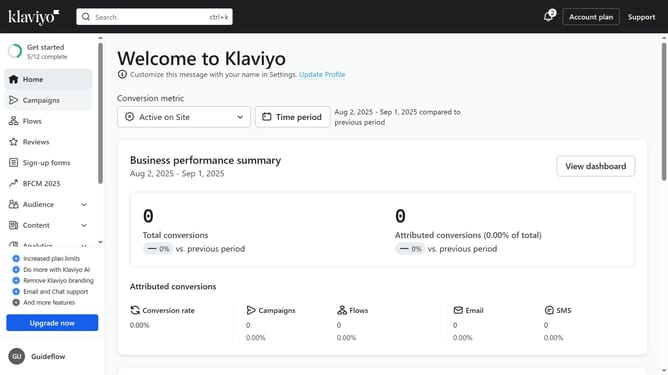
How to add tags to a segment in Klaviyo
Here is how to add tags to a segment in klaviyo
- First click on the "Audience" option in the left sidebar
- Next click on "Lists & segments" in the expanded Audience menu
- Select the checkboxes for the segment you want to apply tags to
- Then click on the "Add Tags" button that appears in the bottom action bar
- Next click the dropdown under Tags in the modal that appears
- Then select existing tags from the dropdown menu or input a new tag to create it
- Finally click the "Add Tags" button to apply the selected tags
Why should you add tags to a segment in Klaviyo
Klaviyo is a powerful marketing automation platform designed to help businesses grow by leveraging data-driven email and SMS campaigns.
Adding tags to a segment in Klaviyo allows for more granular targeting and personalization. This feature lets users categorize contacts based on preferences or behaviors, enhancing marketing strategies.
Using tags simplifies the organization and retrieval of customer data, leading to more precise audience segmentation. Ultimately, this boosts engagement and conversion rates, showcasing Klaviyo's potential to optimize marketing communications.
Last update