How to display a form based on multiple rules in Klaviyo
Here is how to display a form based on multiple rules in klaviyo
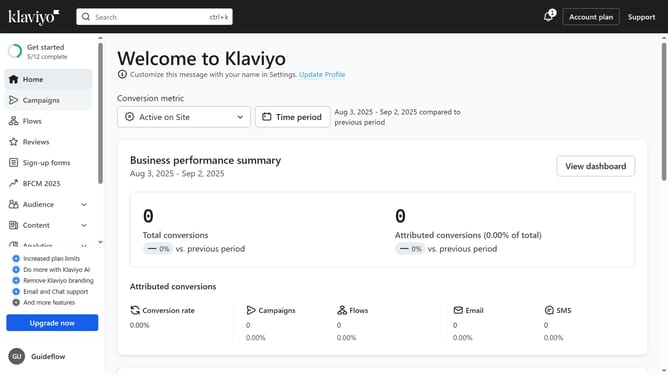
- First click on "Sign-up forms" in the left sidebar menu
- From the list of forms, locate the form you want to edit
- Next click on the "More options" menu (three dots) next to the form
- Select "Edit" from the dropdown menu
- Then click on "Targeting and behavior" option in the left settings panel
- Click on the "Display" tab in the targeting and behavior settings
- Next click on the "Show form" dropdown menu
- Select "Based on rules" from the dropdown options
- Next, set up your desired conditions or rules for the form to appear
- Once done, locate the "Only display if all selected conditions are met" option
- Then, toggle it ON to make sure all the rules must be met for the form to show
- Finally click the "Publish changes" button in the top right corner to apply the settings
Why should you display a form based on multiple rules in Klaviyo
Klaviyo is a powerful platform designed to elevate personalized marketing through data-driven insights.
One of its standout features is the ability to display forms based on multiple rules, offering a tailored, engaging experience for users. This feature allows businesses to target the right audience at the right moment, optimizing customer interactions and enhancing engagement.
By leveraging this, companies can efficiently streamline communication, fostering customer loyalty and driving conversion by addressing specific customer needs.
Last update