How to target a sign-up form to visitors in certain locations in Klaviyo
Here is how to target a sign-up form to visitors in certain locations in klaviyo
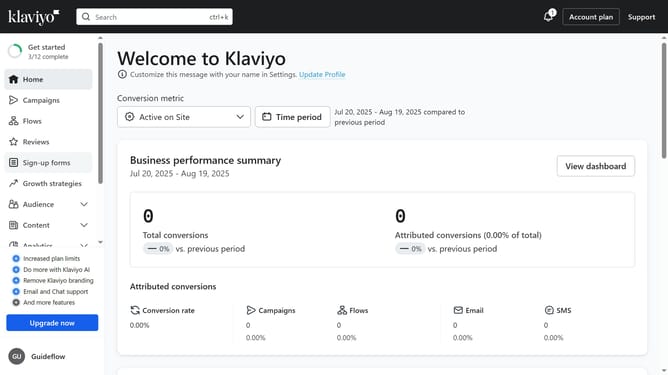
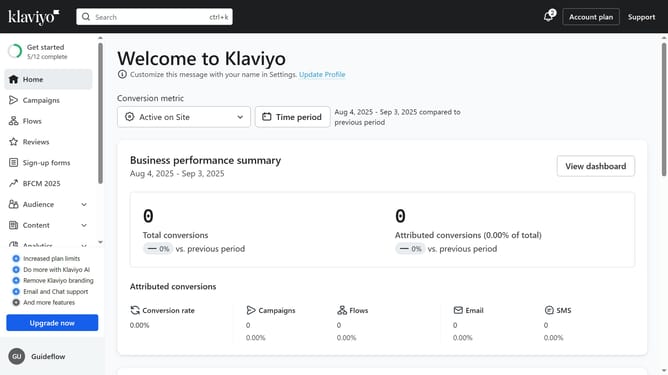
- First click on "Sign-up forms" in the left sidebar menu
- From the list of forms, locate the form you want to update
- Next click on the "More options" menu (three dots) next to the form
- Select "Edit" option from the dropdown menu
- Then click on "Targeting and behavior" option in the left panel
- Click on "Targeting" tab in the main content area
- In the Location section, locate the "Show to visitors in certain locations" option
- Then toggle this option on to enable it
- Next click on "Select one or more options" dropdown
- Then select the regions or countries where you want the form to appear
- Finally click on the "Publish changes" button to apply your changes
- Your sign-up form will now only appear to visitors from the specified locations
Why should you target a sign-up form to visitors in certain locations in Klaviyo
Klaviyo is a powerful marketing platform designed to enhance customer relationships through personalized communications.
One of its standout features is the ability to target a sign-up form to visitors in specific locations. This geo-targeting capability allows your marketing efforts to be meticulously precise by reaching potential customers where they are most relevant.
By customizing interactions based on location, businesses can tailor their messaging and increase the relevance of their offerings, fostering more meaningful connections and enhancing conversion rates.
Last update