How to view SMS campaigns in Klaviyo
Here is how to view sms campaigns in klaviyo
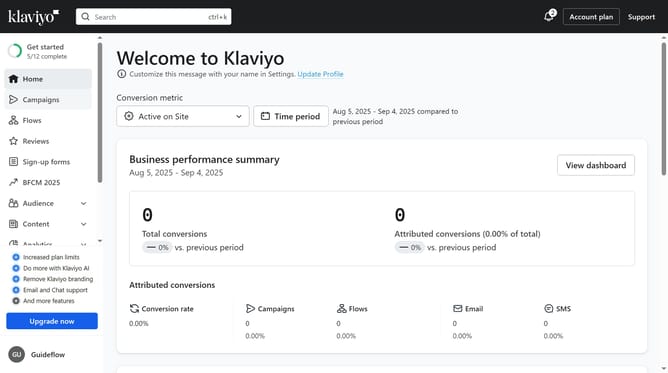
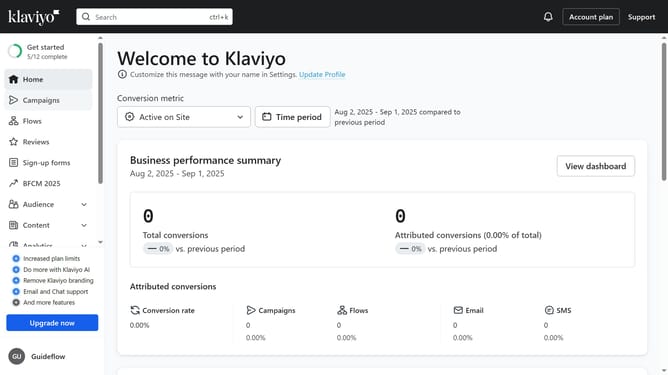
- First click on "Campaigns" in the left sidebar menu
- Next click on the "Channels" dropdown filter in the top filter bar
- Then select the "SMS" option from the dropdown menu
- The campaigns list will now display only SMS campaigns
Why should you view SMS campaigns in Klaviyo
Klaviyo is a powerful platform designed to enhance customer engagement through personalized email and SMS marketing campaigns.
Viewing SMS campaigns in Klaviyo is an intuitive feature that offers users a comprehensive overview of their messaging strategies. This capability allows businesses to quickly assess the performance and effectiveness of their SMS outreach. Understanding these insights is critical in crafting messages that resonate with target audiences.
Using this feature, marketers can optimize their communication strategies, ensuring that every message enhances customer relationships and drives business growth.
Last update