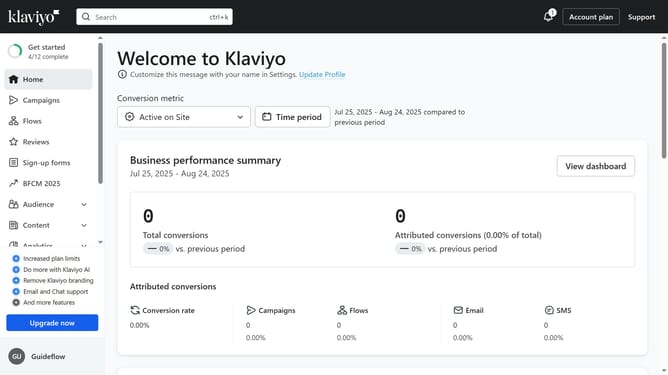
How to change your personal language setting in Klaviyo
Here is how to change your personal language setting in klaviyo
- First click on your organization name in the bottom left corner
- Next click on "Settings" option in the dropdown menu
- Click on the "Personal" tab in the settings menu
- Scroll down to the "Personal language and regional format" section
- Then click on the language dropdown menu
- Select your preferred language from the language options list
- Finally click the "Save" button in the top right corner to apply the changes
- Your personal language setting is now updated and will appear across your account interface
Why should you change your personal language setting in Klaviyo
Klaviyo is a powerful marketing automation platform designed to boost customer relationships and drive business growth.
Changing your personal language setting in Klaviyo is a simple yet impactful feature that enhances user experience by providing interface navigation in your preferred language.
This allows users to interact more intuitively and efficiently, ensuring a seamless workflow. Adapting the platform to your language can increase productivity and make staying on top of your marketing campaigns more enjoyable and engaging.
Last update