How to generate a private API key in Klaviyo
Here is how to generate a private api key in klaviyo
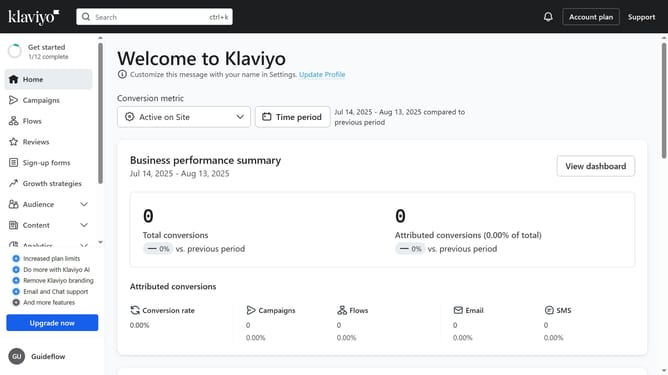
- First, click on your account name in the lower-left corner
- Next click on "Settings" option in the dropdown menu
- Click on the "Account" tab in the settings navigation menu
- Select "API keys" from the left settings menu
- Then on the API Keys page, you will see your existing keys listed (Public API Key and Private API Keys)
- Scroll down to the "Private API Keys" and click the "Create Private API Key" button
- Next enter a name for your new key in the Private API Key Name field
- Choose the scope you want to give the API key (Read-only, Full or Custom)
- Finally click "Create" button to generate the API key
- The private API key has been successfully created
- Now, when you share the private API key, the third party will only have access to the information you defined in the scope
Why should you generate a private API key in Klaviyo
Klaviyo is a powerful marketing automation platform designed to enhance customer engagement.
Generating a private API key in Klaviyo provides a secure way to connect your various tools and systems with Klaviyo's capabilities. It allows developers to seamlessly automate tasks and integrate data between applications while maintaining data privacy.
This feature is essential for efficient workflow automation and ensures that sensitive information is protected during the integration process.
Ultimately, utilizing a private API key enhances your system's connectivity, streamlining operations and improving overall productivity.
Last update