How to create a segment in Klaviyo
Here is how to create a segment in klaviyo
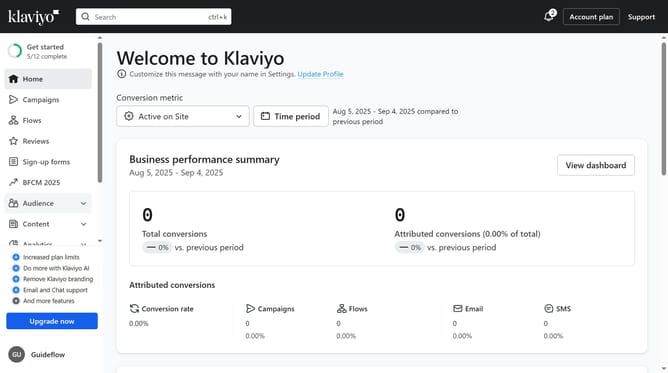
- First click on the "Audience" option in the left sidebar menu
- Next click on "Lists & segments" in the expanded Audience menu
- Click on the "Create New" button in the top-right corner
- Then select "Create segment" from the dropdown menu
- Enter a name for your new segment in the segment name field
- In the tags field, add tags if needed
- Next define the segment conditions and specify who should be included in your segment
- Finally once all conditions are set, click the "Create segment" button in the top-right to save the new segment
- The new segment has been successfully created and is ready to use
Why should you create a segment in Klaviyo
Klaviyo is a powerful platform designed to enhance your email marketing by offering insightful customer data and personalized engagement.
Creating a segment in Klaviyo allows businesses to group their audience based on specific criteria, such as purchase history or engagement levels. This feature helps in delivering tailored content to a targeted group, thereby increasing the impact of your marketing strategies.
Using segments optimizes communication and boosts conversion rates by addressing the unique needs and interests of each customer cluster. This results in a more personalized and effective marketing approach.
Last update