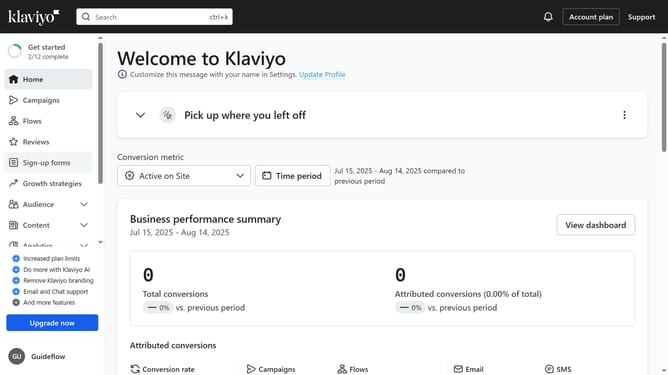
How to prevent segment deactivation in Klaviyo
Here is how to prevent segment deactivation in klaviyo
- First click on "Audience" in the left sidebar menu
- Next click on "Lists & segments" in the expanded Audience submenu
- From the list, locate the segment you want to prevent from deactivation
- Then star it by clicking the star icon next to its name
- This segment is now protected and will not be deactivated automatically
Why should you prevent segment deactivation in Klaviyo
Klaviyo is a powerful platform designed to elevate email marketing through advanced data insights.
Ensuring segment activation in Klaviyo helps maintain precise audience targeting, enhancing the effectiveness of your campaigns.
This feature prevents the inadvertent exclusion of potential customers, thus maximizing your marketing reach.
By using this, businesses can enjoy consistent engagement and improve their email deliverability, ultimately leading to better customer relationships.
Last update