How to customize the success message of your sign-up form in Klaviyo
Here is how to customize the success message of your sign-up form in klaviyo
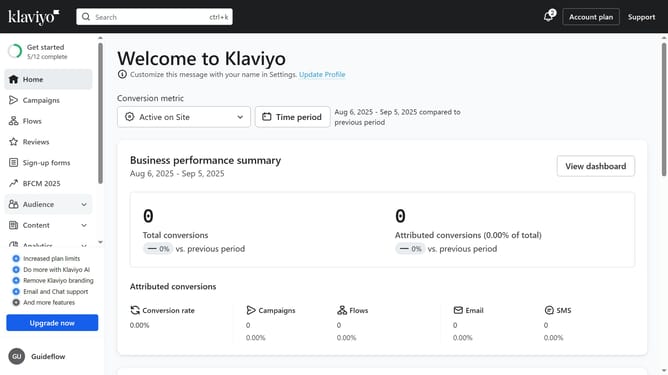
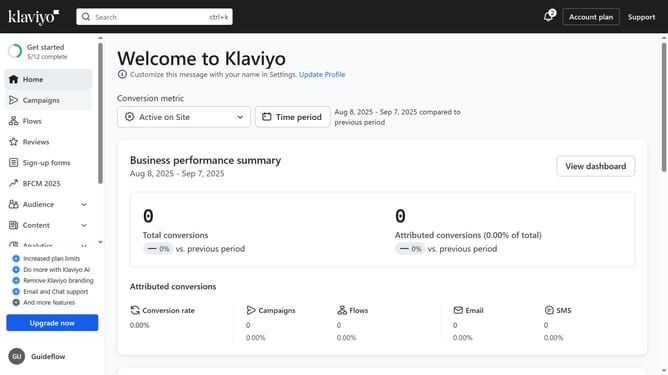
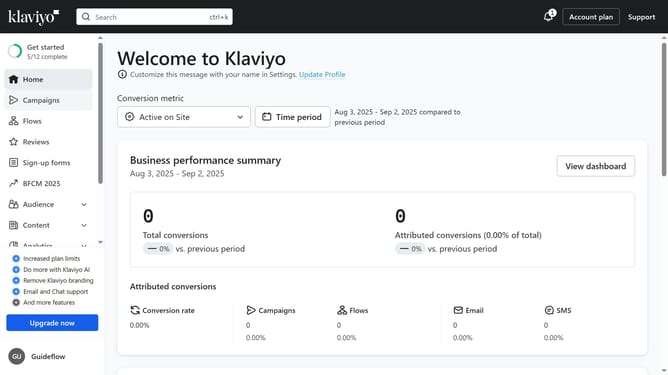
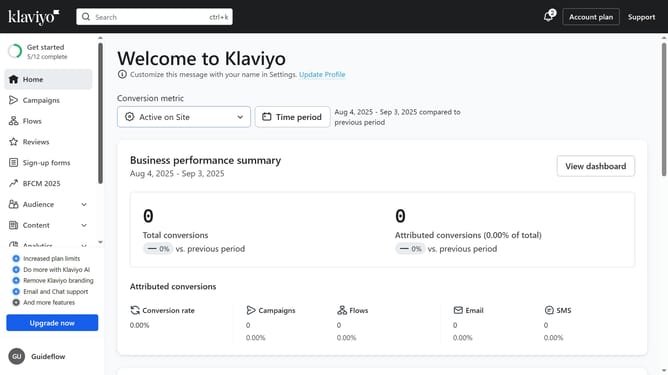
- First click on "Sign-up forms" in the left sidebar menu
- Locate the form you want to edit from the list
- Next click on the three dots menu button next to the form
- Select "Edit" option from the dropdown menu
- Then click on "Success" tab in the form editor
- In the Styles section, customize the design and style of the success message as needed (Background, color, etc)
- You can also customize the content of the success message shown to subscribers if needed
- Finally click on "Publish changes" button in the top-right corner to apply your changes
Why should you customize the success message of your sign-up form in Klaviyo
Klaviyo is a dynamic marketing platform designed for growth-minded businesses seeking to harness data-driven insights for personalized communication.
Customizing the success message of your sign-up form in Klaviyo allows you to create a lasting positive impression. This tailored message reinforces your brand's identity and keeps new subscribers engaged from the get-go.
By personalizing this small but powerful message, you not only enhance user experience but also foster trust and loyalty, paving the way for a strong customer relationship from the very first interaction.
Last update