How to rename a sign-up form in Klaviyo
Here is how to rename a sign-up form in klaviyo
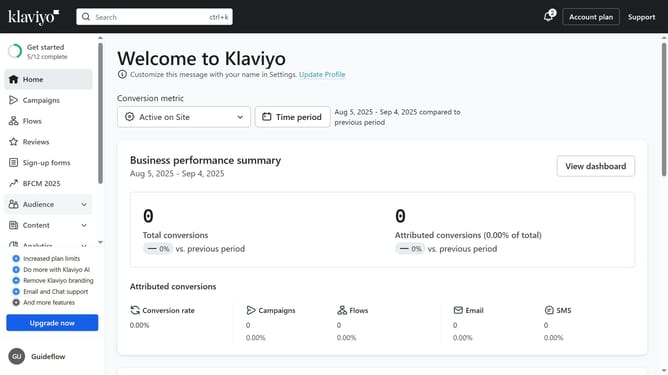
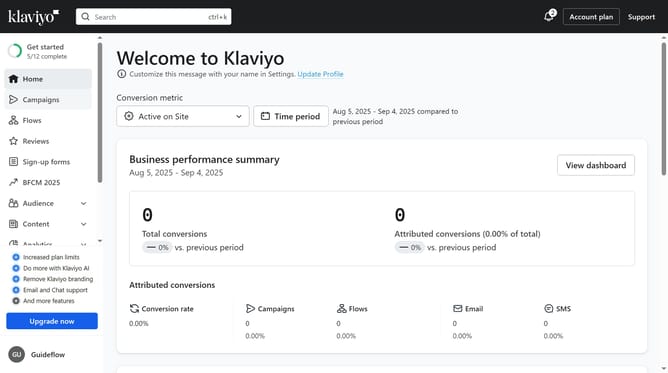
- First click on "Sign-up forms" in the left sidebar menu
- Find the form you want to rename in your list of forms
- Next click on the menu icon (three dots) next to the selected form
- Select "Rename" option from the dropdown menu
- Then enter your new form name in the Rename Form dialog
- Finally click the "Save Form" button to apply the change
Why should you rename a sign-up form in Klaviyo
Klaviyo is a powerful platform designed for seamless email and SMS marketing automation, made to align perfectly with your business goals.
Renaming a sign-up form in Klaviyo is a simple yet effective feature that adds clarity and personalization to your marketing strategy. By giving your forms a clear and descriptive name, you ensure that both your team and your audience understand its purpose instantly.
This clarity helps streamline campaigns and improves team collaboration while providing subscribers with a more tailored sign-up experience.
Last update