How to create a new segment in Klaviyo
Here is how to create a new segment in klaviyo
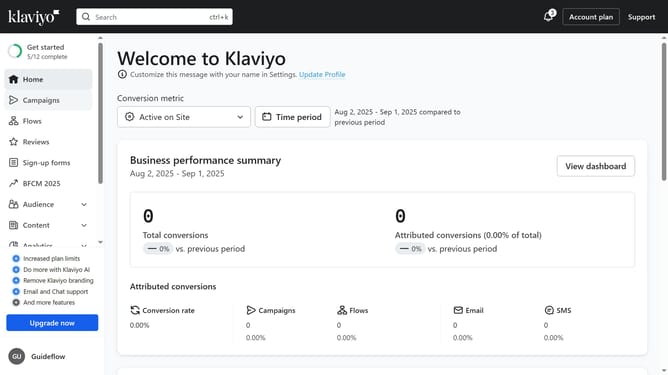
- First click on the "Audience" option in the left sidebar menu
- Next click on "Lists & segments" in the expanded Audience menu
- Click on the "Create New" button in the top-right corner
- Then select "Create segment" from the dropdown menu
- Enter a name for your new segment in the segment name field
- In the tags field, add tags if needed
- Next define the segment conditions and specify who should be included in your segment
- Finally once all conditions are set, click the "Create segment" button in the top-right to save the new segment
- The new segment has been successfully created and is ready to use
Why should you create a new segment in Klaviyo
Klaviyo is a powerful tool designed for effective email marketing through advanced customization and automation.
Creating a new segment in Klaviyo allows marketers to categorize their audience based on specific criteria, enabling targeted and personalized communication.
This feature enhances engagement by ensuring the right message reaches the right individuals, improving open rates and conversion potential.
Utilizing segmentation in Klaviyo leads to more efficient marketing strategies, translating to higher customer satisfaction and business growth.
Last update