How to view archived campaigns in Klaviyo
Here is how to view archived campaigns in klaviyo
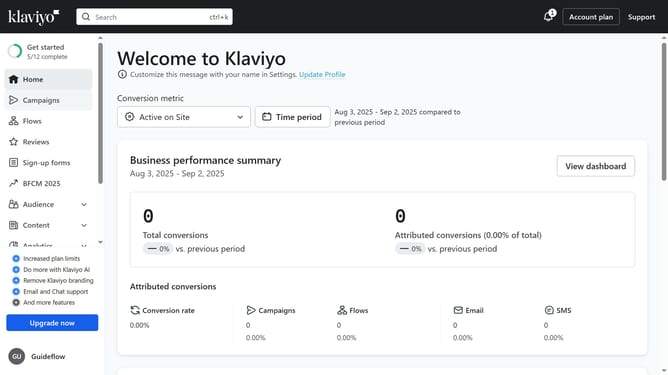
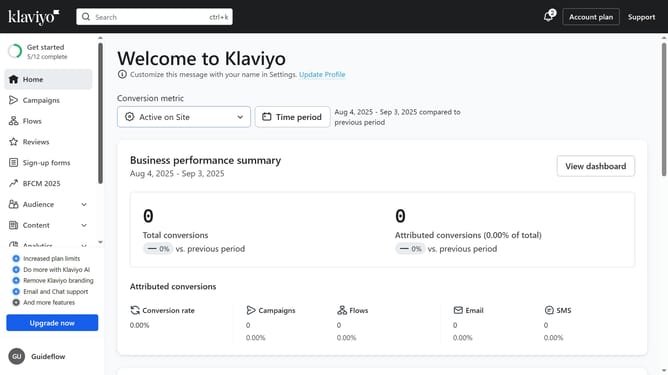
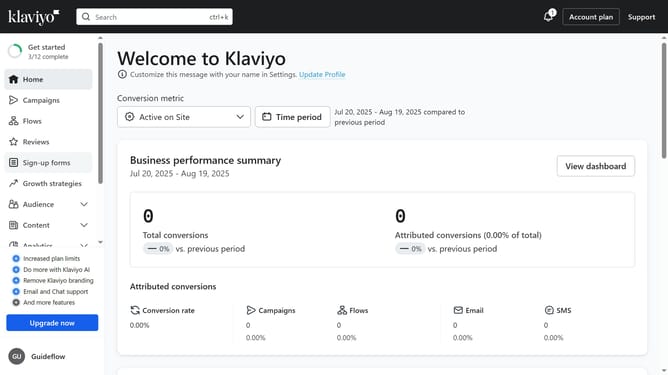
- First click on the "Campaigns" option in the left sidebar menu
- Then click on the "Archived" filter button in the top filter bar
- You are now viewing all archived campaigns and can select any campaign to review or restore
Why should you view archived campaigns in Klaviyo
Klaviyo is a robust platform designed for successful email marketing and automation.
The feature to view archived campaigns in Klaviyo allows users to easily access their past marketing efforts.
This capability ensures that valuable insights and data are never lost and can be referenced for future campaigns. Analyzing archived campaigns helps in understanding what strategies were most effective, offering a foundation for improvement and innovation.
Using this feature leads to more informed decisions, optimizing customer engagement, and delivering a tailored marketing approach.
Last update