How to change your account’s organization name in Klaviyo
Here is how to change your account’s organization name in klaviyo
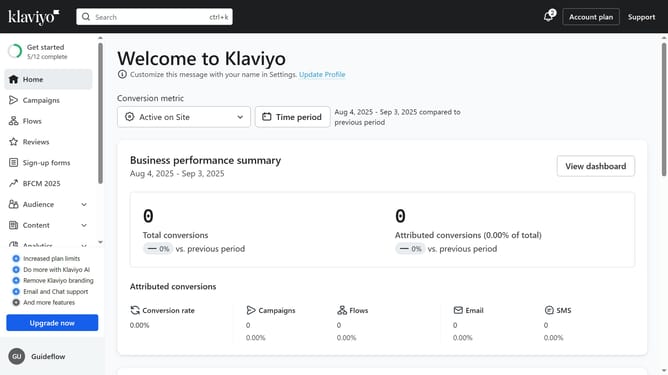
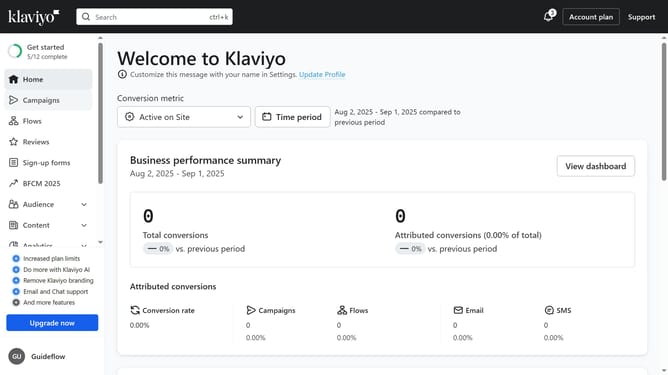
- First click the current account name in the bottom left corner
- Next click on "Settings" option in the dropdown menu
- Click on "Organization" tab in the settings sidebar
- Locate the "Contact information" section
- Edit the "Default sender name" if needed
- Then under the "Company/organization name" field, enter your new organization name
- Finally click on the "Save" button in the top right corner to apply the change
- Your account name is now updated. If you don’t see the change, refresh the page
Why should you change your account’s organization name in Klaviyo
Klaviyo is a powerful marketing automation platform designed to enhance customer engagement and drive growth.
Changing your account’s organization name in Klaviyo is a straightforward feature that adds a professional touch to your business communications. It's particularly beneficial when your company undergoes rebranding or merges with another organization.
This feature ensures that your account accurately represents your current business identity, promoting consistency and clarity across all your marketing efforts.
Last update