How to view the unsubscribe page for a list in Klaviyo
Here is how to view the unsubscribe page for a list in klaviyo
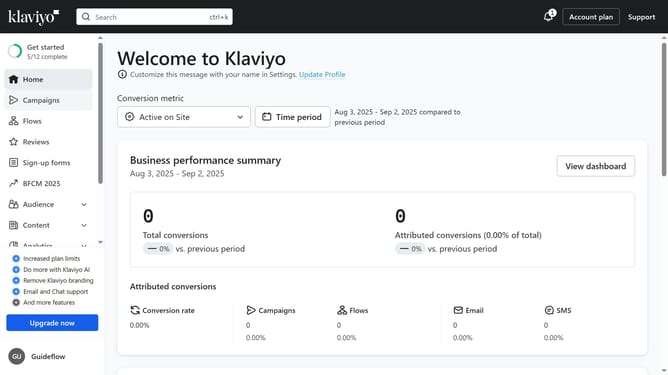
- First click on the "Audience" item in the left sidebar
- Next click on "Lists & segments" under the Audience menu
- Click on the list (not a segment) whose unsubscribe page you want to find
- Navigate to the "Subscribe & preferences pages" tab
- Scroll to the "Email unsubscribe page" section
- Then click the "Edit Page" button next to Email unsubscribe page
- Finally in the page editor, you can view, or customize the unsubscribe page for this list as needed
Why should you view the unsubscribe page for a list in Klaviyo
Klaviyo is a powerful email marketing platform designed to help businesses effectively engage with their audience.
The ability to view the unsubscribe page for a list in Klaviyo is one of its insightful features. This functionality allows you to monitor who has chosen to opt-out of your communications, providing you with valuable feedback.
By understanding your audience's preferences, you can tailor your marketing strategies, ultimately improving engagement and reducing churn.
Staying informed empowers you to make data-driven decisions for more personalized and effective outreach.
Last update