How to edit an existing sign-up form in Klaviyo
Here is how to edit an existing sign-up form in klaviyo
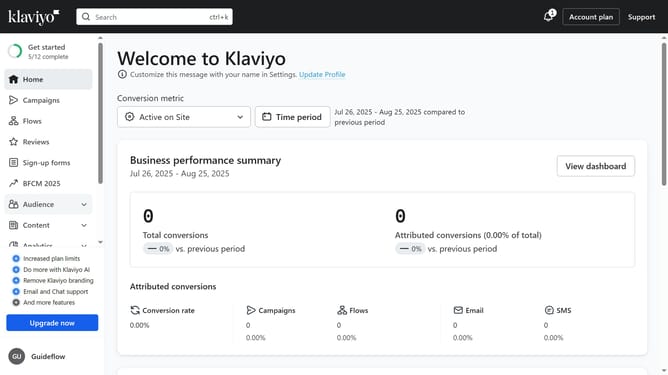
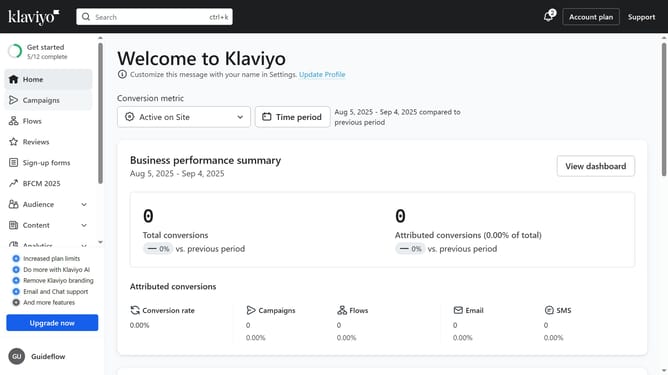
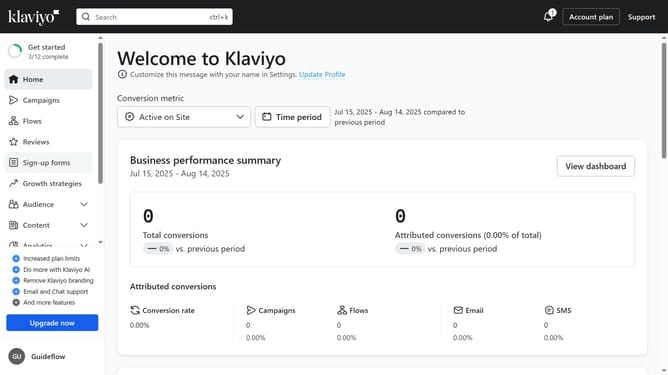
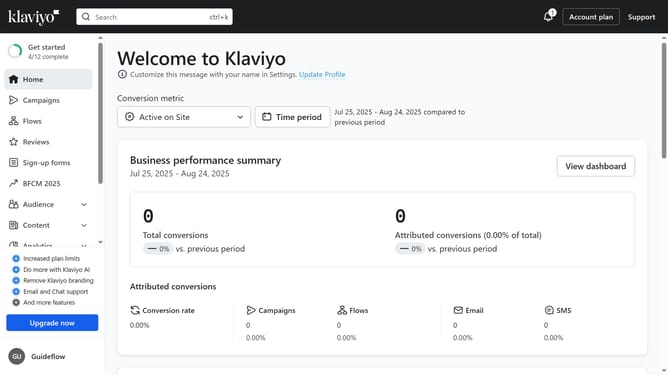
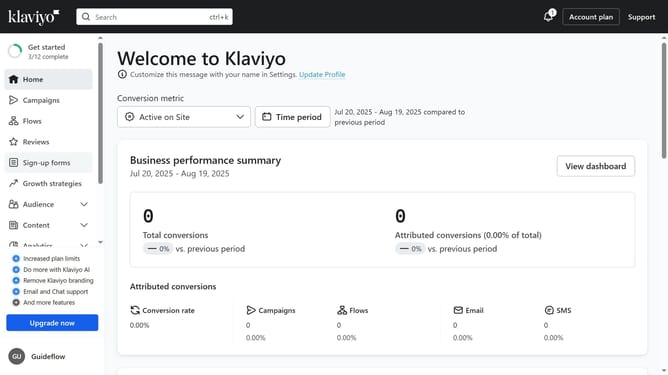
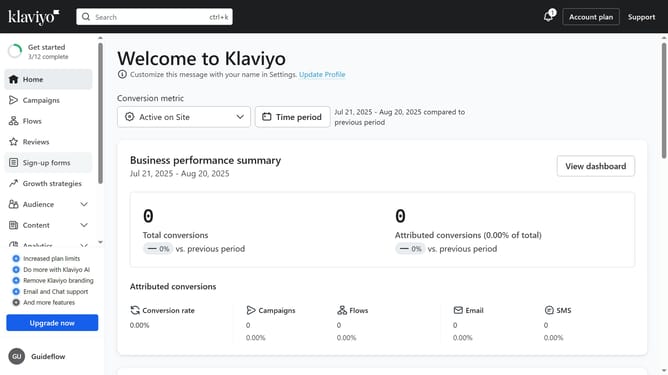
- First, click on "Sign-up forms" in the left sidebar menu
- Locate the form you want to edit from the list of forms
- Next, click on the menu icon (three dots) next to it
- Select "Edit" option from the dropdown menu
- Then "Edit the sign-up form’s design, content, and success message as needed
- Finally, click on "Publish changes" button in the top-right corner of the editor to apply your changes
- Your sign-up form has now been successfully updated
Why should you edit an existing sign-up form in Klaviyo
Klaviyo is a powerful platform designed to seamlessly enhance email marketing efforts through personalized communication.
Editing an existing sign-up form in Klaviyo is an intuitive feature that empowers you to fine-tune how you capture customer data. This functionality allows for real-time adjustments, ensuring your form aligns with current marketing strategies and audience preferences.
By leveraging this feature, brands can optimize lead generation efforts, personalize user experiences, and ultimately drive higher engagement and conversion rates.
Last update