How to edit a sign-up form in Klaviyo
Here is how to edit a sign-up form in klaviyo
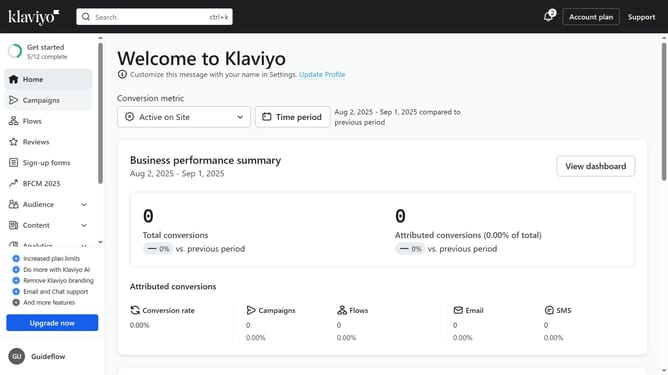
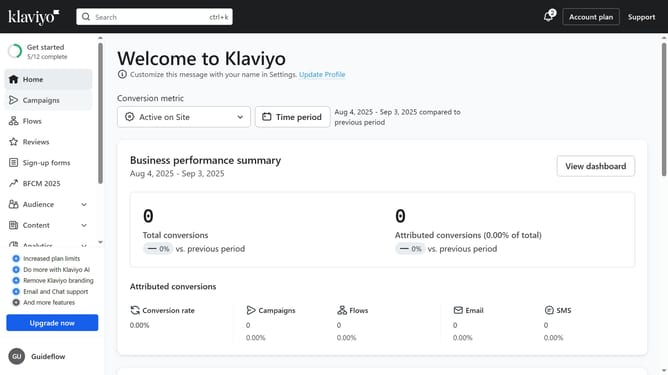
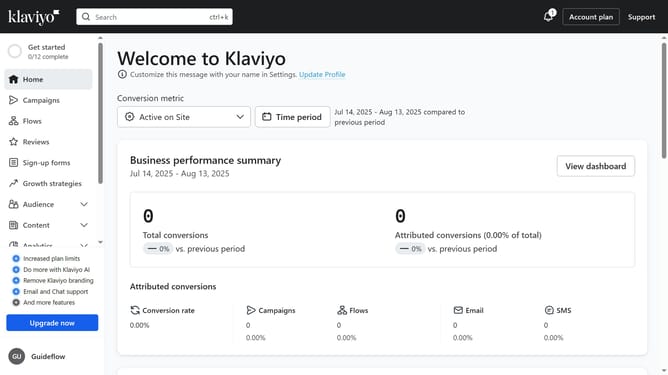
- First, click on "Sign-up forms" in the left sidebar menu
- Locate the form you want to edit from the list of forms
- Next, click on the menu icon (three dots) next to it
- Select "Edit" option from the dropdown menu
- Then "dit the sign-up form’s design, content, and success message as needed
- Finally, click on "Publish changes" button in the top-right corner of the editor to apply your changes
- Your sign-up form has now been successfully updated
Why should you edit a sign-up form in Klaviyo
Klaviyo is a robust platform designed to enhance email marketing strategies for growing businesses.
Editing a sign-up form in Klaviyo is a streamlined process that significantly boosts your marketing efficiency. Personalizing these forms allows you to tailor your communications to specific audience segments, increasing engagement.
Utilizing this feature leads to improved lead capture and a refined customer experience, which are pivotal in cultivating brand loyalty.
Last update