How to receive notifications for the spam queue in Zendesk Guide
Here is how to receive notifications for the spam queue in zendesk guide
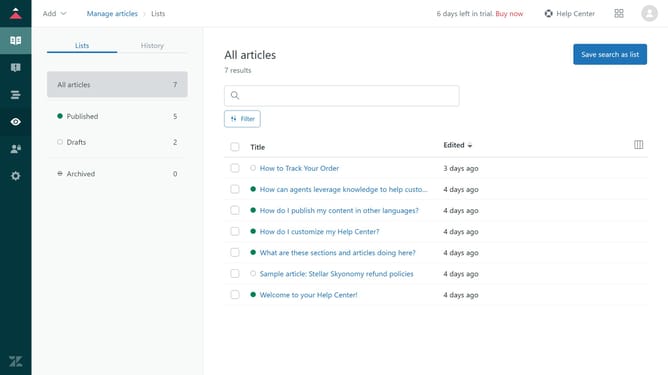
- First in Guide admin, click on the "Moderate content" icon in the left sidebar
- Then click on the "Spam" option in the left sidebar menu
- Next click the "Follow" button in the top-right corner of the Spam page
- You'll now be notified whenever new content appears in the spam queue, allowing you to review and manage it promptly
Why should you receive notifications for the spam queue in Zendesk Guide
Zendesk is a powerful platform designed to elevate customer service experiences.
Receiving notifications for the spam queue in Zendesk Guide is a feature that keeps your help center efficient and spam-free. By being promptly alerted of suspicious content, you can take swift action, ensuring that your users only interact with genuine and helpful material.
This proactive approach not only safeguards the quality of your community forums but also enhances user trust and engagement. With better control over content management, maintaining a clean and valuable knowledge base becomes effortless.
Last update