How to edit a custom organization field in Zendesk
Here is how to edit a custom organization field in zendesk
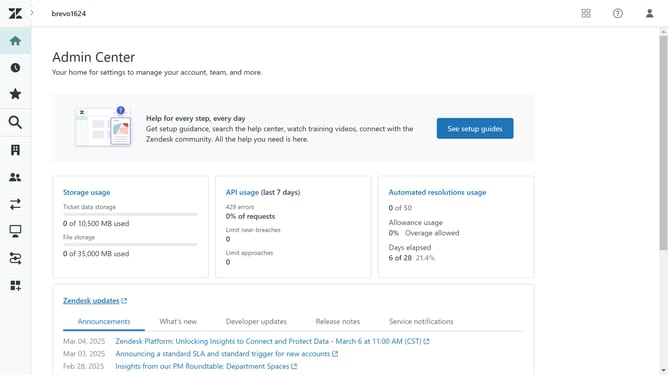
- First in Admin Center, click on the "People" icon in the left sidebar
- Then click on "Organization fields" under the Configuration section
- Next click on the custom organization field you want to edit from the lists
- In the field details form, start making the necessary changes. You can edit the field name, Field key and update the description as needed
- If using a Dropdown or Multi-Select field, edit the "Field values" if necessary
- Finally click the "Save" button in the bottom right corner to save the changes
Why should you edit a custom organization field in Zendesk
Zendesk is a powerful platform designed to facilitate seamless customer service interactions.
Editing a custom organization field in Zendesk allows businesses to tailor their customer data to fit specific organizational needs. This feature makes tracking and managing client interactions more precise and efficient.
By customizing these fields, companies can enrich their data insights, leading to more informed decisions and enhanced customer relationships. This streamlined approach ensures that information is relevant, up-to-date, and easy to access for all team members.
Last update