How to archive articles in bulk in Zendesk Guide
Here is how to archive articles in bulk in zendesk guide
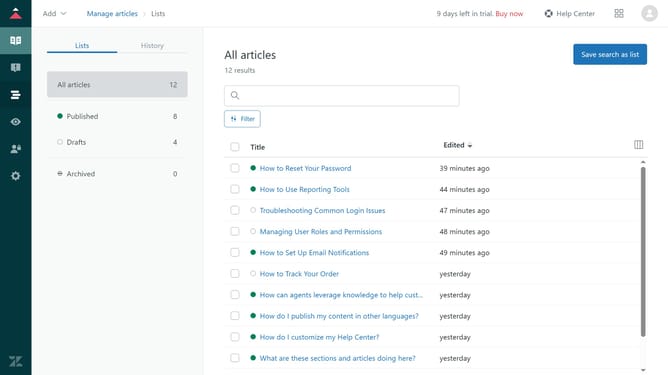
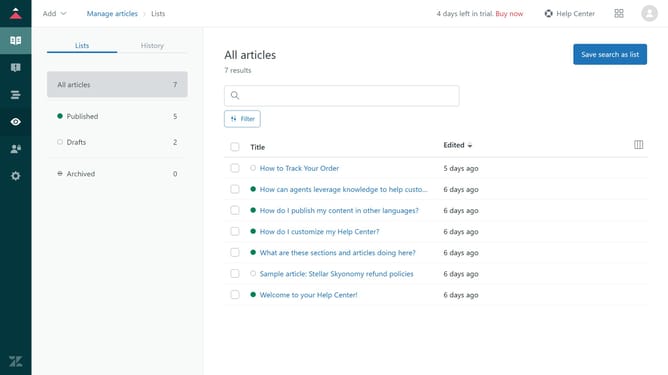
- First in Guide admin, click on the "Manage articles" icon in the left sidebar
- Then select the checkboxes next to articles you want to archive
- Next click on the "Article settings" dropdown menu at the bottom of the list
- Select "Archive" option from the article settings dropdown menu
- Finally, confirm the action by clicking the "Archive" button in the confirmation dialog box
- The selected articles will now be archived and moved out of the active content list
Why should you archive articles in bulk in Zendesk Guide
Zendesk is a comprehensive customer service platform designed to improve customer interactions and streamline communication.
The feature to archive articles in bulk in Zendesk Guide simplifies managing your knowledge base by allowing multiple articles to be archived simultaneously, saving time and effort.
Archiving outdated or less relevant articles helps maintain a clean and efficient platform, improving the accessibility and accuracy of information for users.
Embracing this feature makes the content management process more efficient, providing a seamless experience for both users and administrators.
Last update