How to send an email in Zendesk
Here is how to send an email in zendesk
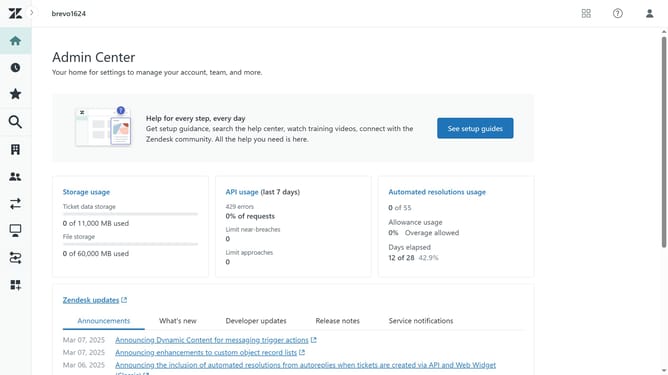
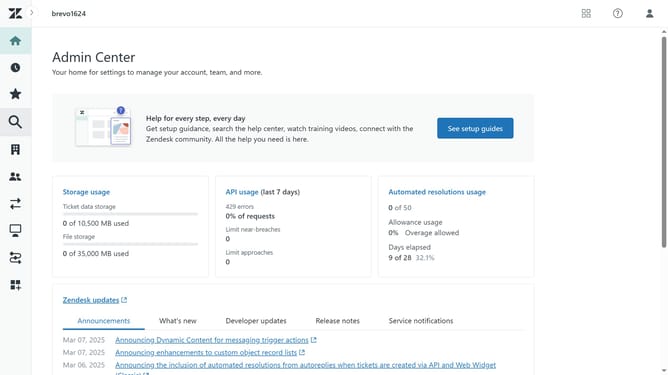
- First click on "Views" in the left sidebar
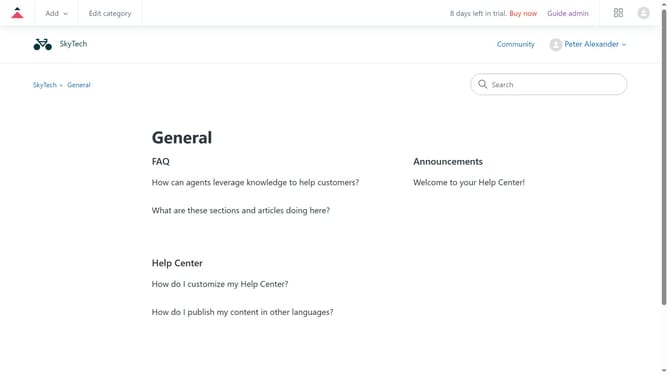
- Then click on the "Add" button in the top header
- Next in the "Subject" field, type in the subject for the email
- Click on the "Requester" dropdown field to select a recipient
- After that, click on the "Assignee" dropdown and assign the ticket to the appropriate person
- Next write your message in the message text area
- Finally click on the "Submit as New" button in the bottom right corner to send the email
Why should you send an email in Zendesk
Zendesk is a leading customer service platform designed to simplify and enhance customer interactions.
Sending an email in Zendesk is a streamlined process that enhances communication efficiency. This feature facilitates direct engagement with customers, ensuring prompt and personalized responses.
Utilizing email in Zendesk optimizes team workflow by centralizing communication, making it easier to track conversations and maintain context.
This approach not only saves time but also improves customer satisfaction through seamless and effective customer support.
Last update