How to enable autoreply with articles in web forms in Zendesk
Here is how to enable autoreply with articles in web forms in zendesk
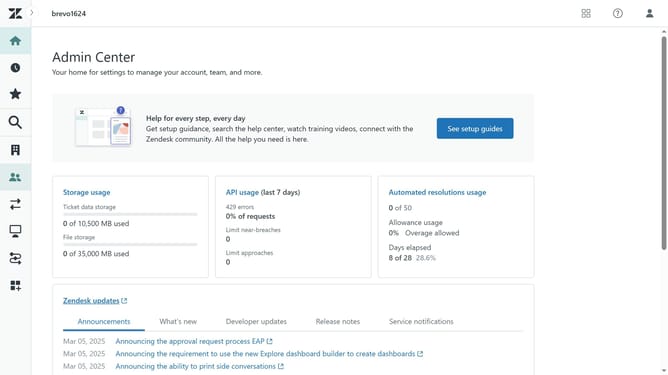
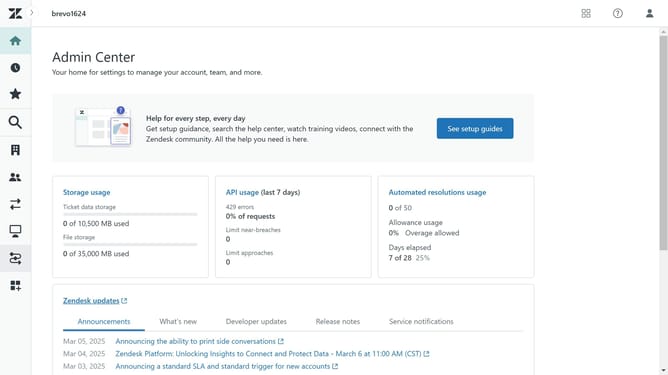
- First in Admin Center, click on the "Channels" icon in the left sidebar
- Then click on "AI agents" under the AI agents and automation section
- Next click on "Manage AI agents for messaging" link in the main content area
- Click on the "Web form" tab in the top navigation
- Then click on the toggle switch to enable "Web form channel"
- Finally, click on the "Default Ticket Form" toggle to enable autoreplies for that specific web form
Why should you enable autoreply with articles in web forms in Zendesk
Zendesk is an innovative customer service platform designed to enhance customer support through effective communication tools.
Enabling autoreply with articles in web forms is a fantastic feature within Zendesk. This feature automates responses by sending relevant help articles to customers right when they need it most.
By engaging customers instantly with useful information, it reduces response time and alleviates load on support staff. This leads to improved customer satisfaction and efficient issue resolution.
Last update