How to change the author for an article in Zendesk Guide
Here is how to change the author for an article in zendesk guide
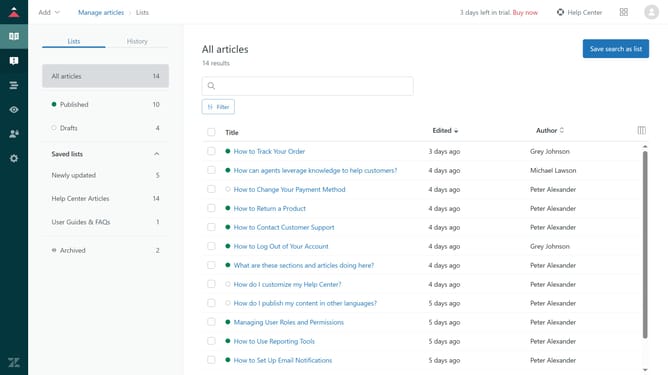
- First in Guide admin, click on the "Manage articles" icon in the left sidebar
- Then find and click on the article for which you want to change the author
- Next click on the expand arrow in the "Placement" section located in the right sidebar
- Locate the "Author" section in the article settings sidebar
- Click on the "Author" dropdown menu
- Then select a new author in the author selection list
- Finally click the "Update settings" button to confirm the changes
Why should you change the author for an article in Zendesk Guide
Zendesk is a powerful customer service platform designed to improve interactions and streamline support operations.
The ability to change the author for an article in Zendesk Guide allows teams to maintain accuracy and credibility by assigning content to the correct contributor.
This feature helps ensure that expertise is correctly attributed, leading to enhanced trust and accountability within your team. By seamlessly updating authors, Zendesk promotes continuous content improvement and keeps knowledge bases accurate and up-to-date.
Last update