How to create a new ticket in Zendesk
Here is how to create a new ticket in zendesk
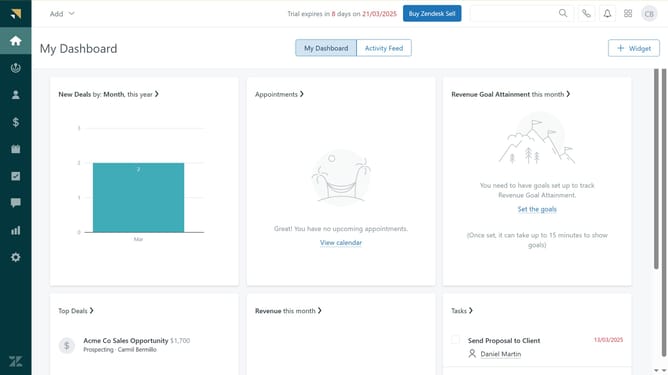
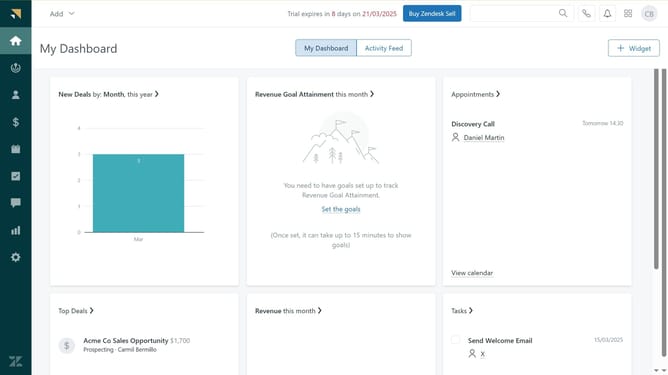
- First click on the "Add" button in the top navigation bar
- Then click on "Ticket" option in the dropdown menu
- Next click on the "Requester" dropdown field to choose the intended receiver
- Then click on the "Assignee" dropdown field and select whom you wish to assign the new ticket
- Next click on the "Subject" field to enter your desired ticket subject
- Then enter text in the message body field below the subject
- Finally click on the "Submit as New" button in the bottom right corner
Why should you create a new ticket in Zendesk
Zendesk is a dynamic customer service platform designed to enhance customer interaction and streamline support operations.
Creating a new ticket in Zendesk is an intuitive process, seamlessly integrating customer inquiries into one centralized system. This feature ensures that every support request is documented and tracked, enhancing team collaboration and efficiency.
Utilizing this system allows for smoother communication between customers and support staff, ensuring issues are addressed promptly and effectively. The ability to create new tickets fosters a professional and organized approach to customer service management, leading to increased satisfaction and loyalty.
Last update