How to reorder ticket fields in Zendesk
Here is how to reorder ticket fields in zendesk
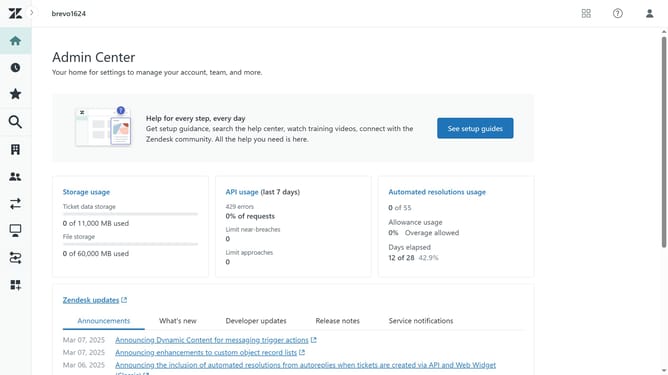
- First in Admin Center, click on the "Objects and rules" icon in the left sidebar
- Then click on "Fields" option under the Tickets section
- Next click on the "Actions" dropdown menu in the top-right corner
- Select "Edit order" option from the Actions dropdown
- In the Edit order view, click and drag the field you want to move
- Then release the field to drop it in the desired position
- Do the same for all the other fields you want to change the order of
- Finally click on the "Save" button in the bottom-right corner to save the changes
Why should you reorder ticket fields in Zendesk
Zendesk is a powerful customer service platform designed to enhance communication between businesses and their clients.
A standout feature is the ability to reorder ticket fields, which provides customization and flexibility in managing support workflows.
Reordering ticket fields allows companies to prioritize information, ensuring agents address the most crucial details first.
This customization enhances efficiency, reduces response times, and improves overall customer satisfaction by streamlining ticket management to align with unique business needs.
Last update