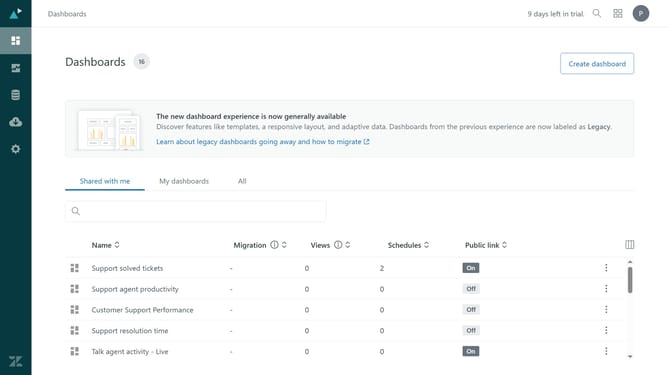
How to delete a custom ticket field in Zendesk
Here is how to delete a custom ticket field in zendesk
- First in Admin Center, click on the "Objects and rules" icon in the left sidebar
- Then click on "Fields" under the Tickets section
- Next click on the custom ticket field you want to delete from the list of fields
- Click on the "Actions" dropdown button in the top-right corner
- Click on "Delete" option in the Actions dropdown menu
- Finally click on the "Delete" button in the confirmation dialog
Why should you delete a custom ticket field in Zendesk
Zendesk is a robust customer service platform designed to enhance the support experience for businesses and their clients.
The ability to delete a custom ticket field in Zendesk is a valuable feature that ensures your support system remains efficient and uncluttered. When custom fields are no longer necessary, removing them can streamline ticket processing and improve agent focus.
By managing your ticket fields effectively, you can maintain a cleaner, more organized workspace, which ultimately leads to improved service quality and faster response times.
Last update