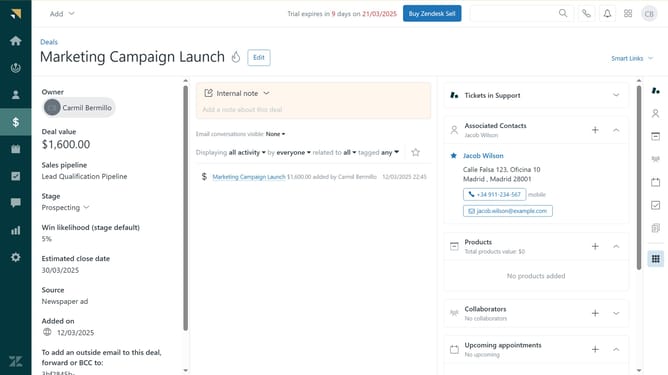
How to export your organization fields in Zendesk
Here is how to export your organization fields in zendesk
- First in Admin Center, click on the "People" icon in the left sidebar
- Click on "Organization fields" under the Configuration section
- Next click on the "Actions" dropdown button in the top-right corner of the page
- Then select "Download CSV" from the Actions dropdown menu
- Your organization field data will be downloaded as a CSV file and stored in the downloads folder of your web browser
Why should you export your organization fields in Zendesk
Zendesk is a comprehensive customer service platform designed to enhance customer experiences while streamlining business communication.
Exporting your organization fields in Zendesk allows you to manage and analyze your data more efficiently. With this feature, detailed insights about your customers and operational performance are easily accessible, aiding in informed decision-making.
This capability ensures that your organization maintains consistent data across platforms, enhancing productivity and facilitating seamless collaboration among team members.
Last update