How to enable Hybrid Assignment Mode in Zendesk Chat
Here is how to enable hybrid assignment mode in zendesk chat
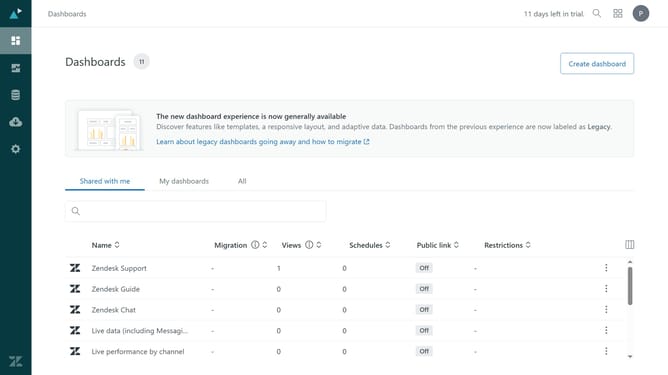
- First in your dashboard, click on "Settings" in the left sidebar
- Then click on "Routing" in the settings menu
- Next, make sure to select the "Assigned" routing mode, as the Hybrid Assignment Mode setting is only available with this option
- The "Chat limit" must be enabled and configured
- Locate the "Hybrid Assignment Mode" section
- Then check the "Allow hybrid assignment" checkbox to enable it
- Finally click on "Save changes" button at the bottom of the page to save the changes
Why should you enable Hybrid Assignment Mode in Zendesk Chat
Zendesk is a powerful platform designed to enhance customer service experiences efficiently.
Hybrid Assignment Mode in Zendesk Chat offers flexibility by allowing both automatic and manual chat assignments. This feature optimizes the allocation of incoming chats, ensuring that customer queries are handled swiftly.
By using Hybrid Assignment Mode, businesses can maintain a balanced workload for their support agents, preventing overburden and enhancing productivity.
This enhances overall customer satisfaction, ensuring a seamless service experience every time.
Last update