How to delete a custom user field in Zendesk
Here is how to delete a custom user field in zendesk
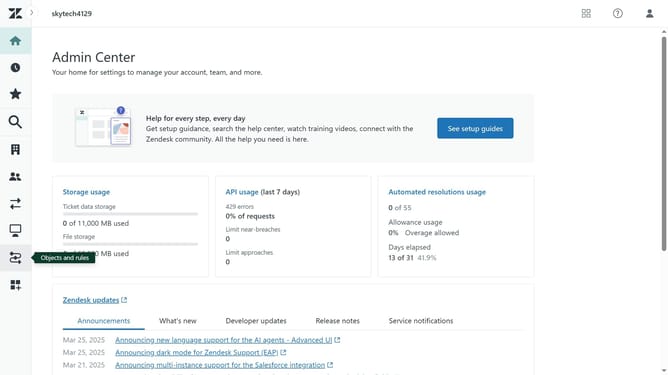
- First in Admin Center, click on the "People" icon in the left sidebar
- Then click on "User fields" under the Configuration section
- Next click on the customer user field you want to delete from the lists
- In the field details page, click on the "Actions" dropdown button in the top-right corner
- Click on the "Delete" option in the Actions dropdown menu
- Finally click on the "Delete" button in the confirmation dialog box
Why should you delete a custom user field in Zendesk
Zendesk is a dynamic customer support platform designed to enhance communication and streamline service management.
Deleting a custom user field in Zendesk is an efficient way to declutter your user data by removing outdated or unnecessary fields. This feature allows organizations to maintain a clean and organized database, ensuring only relevant information guides their customer interactions.
By eliminating obsolete fields, businesses can focus on what truly matters, enhancing data accuracy and improving the overall efficiency of customer service operations.
Last update