How to add the delimiter placeholder to the email template in Zendesk
Here is how to add the delimiter placeholder to the email template in zendesk
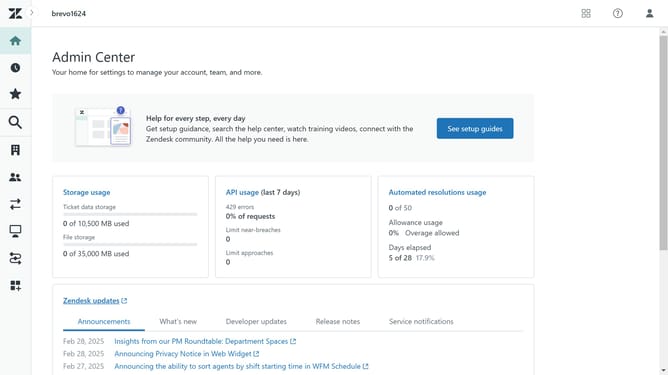
- First in Admin Center, click on the "Channels" icon in the left sidebar
- Then click on "Email" option under the Talk and email section
- In the email settings, make sure that "Mail delimiter" is enable
- Next find the "HTML template" code in the Email templates section
- Then add the {{delimiter}} placeholder to your template, along with any surrounding CSS you want to apply
- Ensure that the {{delimiter}} placeholder appears before the {{content}} placeholder in the template
- Finally click on the "Save" button at the bottom of the page to apply the changes
Why should you add the delimiter placeholder to the email template in Zendesk
Zendesk is a leading customer service platform designed to enhance the interaction between businesses and their customers.
Adding a delimiter placeholder to your email template in Zendesk ensures consistent and clear separation of content, making your messages easier to read.
This feature is essential for maintaining clarity in communication, ensuring vital information stands out and is not lost within the body of an email.
By leveraging this, businesses can improve their communication efficiency, leading to better customer satisfaction and streamlined service delivery.
Last update