How to unpublish articles in bulk in Zendesk Guide
Here is how to unpublish articles in bulk in zendesk guide
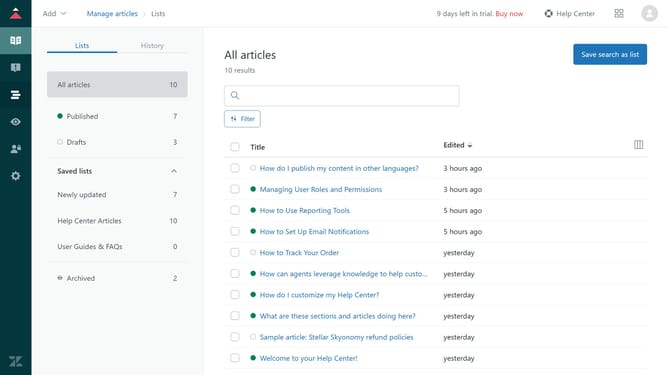
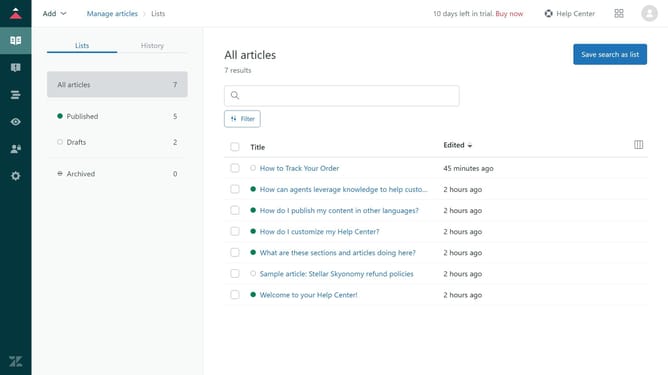
- First in Guide admin, click on the "Manage articles" icon in the left sidebar
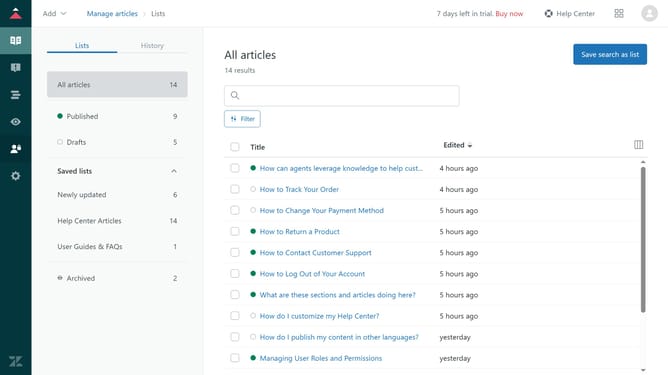
- Then click on "Published" section in the left menu to view all published articles
- Next select the checkboxes next to the articles you want to unpublish
- Click on the "Publication" dropdown menu at the bottom
- Select "Unpublish" option from the Publication dropdown menu
- Finally click the "Unpublish" button in the confirmation dialog to complete the action
- The selected articles are now unpublished and moved to the draft state
Why should you unpublish articles in bulk in Zendesk Guide
Zendesk is a powerful tool designed to enhance customer service by streamlining communication and support processes.
The ability to unpublish articles in bulk is a feature in Zendesk Guide that can significantly boost efficiency.
This feature allows you to easily manage your content by quickly removing multiple articles from public view, which is incredibly useful during content updates or when organizing your knowledge base.
Utilizing this feature saves time and ensures that only up-to-date and relevant information is available to your users, enhancing both user experience and support accuracy.
Last update