How to create a moderator group in Zendesk Guide Admin
Here is how to create a moderator group in zendesk guide admin
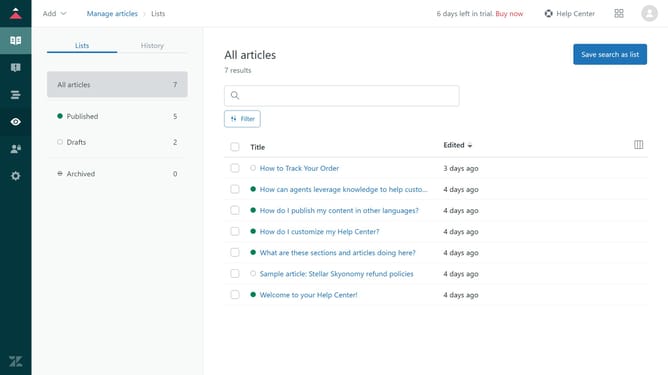
- First in Guide admin, click on "User Permissions" icon in the sidebar
- Then click on "Community moderators" section in the left menu
- Next click on "Create moderator group" button in the main content area
- Enter a name for the the moderator group in the "Name" field
- Set the permissions by selecting the actions you want to enable for moderators in this group
- Next click on the dropdown menu under the "Add moderators" section
- Select a user segment for the moderator group from the dropdown list
- Finally click on "Create group" button at the bottom of the form
- The new community moderator group is now active, and the selected users have the assigned permissions
Why should you create a moderator group in Zendesk Guide Admin
Zendesk is a versatile platform designed to enhance customer interactions and streamline support systems.
Creating a moderator group in Zendesk Guide Admin effectively empowers team members to oversee and manage content effortlessly. This feature allows organizations to assign specific roles and responsibilities, ensuring consistency in content quality and user experience.
With a dedicated moderator group, support teams can work more collaboratively, maintain better control over content changes, and ensure that valuable information is always accurate and up-to-date. This focus on collaboration and accuracy can significantly enhance the overall efficiency of your support processes.
Last update