How to edit an agent's profile information in Zendesk Chat
Here is how to edit an agent's profile information in zendesk chat
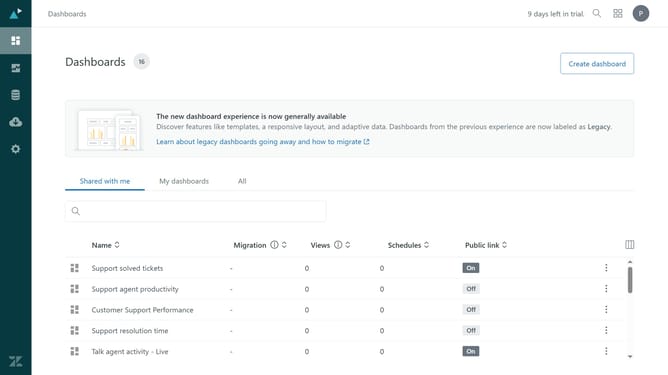
- First in your dashboard, click on "Settings" in the left sidebar
- Then click on "Agents" in the settings menu
- Next click on the agent you want to edit from the agents list
- Click on "Edit profile" link in the agent details page
- Then the agent’s profile will open in Admin Center. Make the necessary changes to the agent's name, email and password as needed
- To edit the role, click on "Roles and access" tab
- Click on the "Agent" dropdown for chat permissions
- Change the role to assign to the agent from the dropdown options if needed
- Finally click the "Save" button to apply the changes
Why should you edit an agent's profile information in Zendesk Chat
Zendesk is a powerful platform designed to enhance customer support experiences with streamlined communication.
Editing an agent's profile information in Zendesk Chat empowers administrators to ensure that their team's details are up-to-date and accurate. This feature provides flexibility and control, enabling supervisors to update roles, contact information, and skill sets with ease.
Keeping agent profiles current not only facilitates smooth communication within the team but also ensures that customer interactions are efficient and personalized, promoting a high level of service and satisfaction.
Last update