How to turn on custom objects in Zendesk
Here is how to turn on custom objects in zendesk
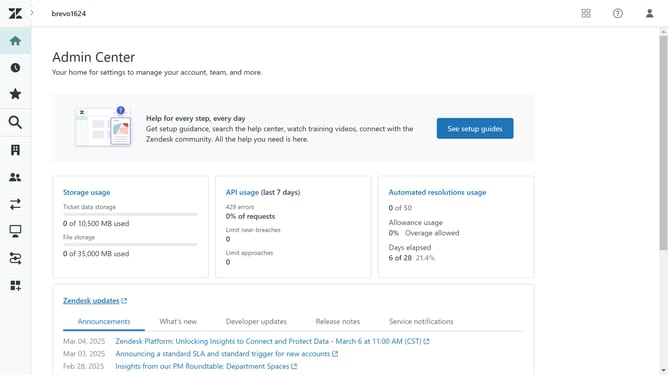
- First in Admin Center, click on the "Objects and rules" option in the left sidebar menu
- Then click on "Objects" under the Custom objects section
- Finally click on the "Get started" button at the bottom of the page
- Custom objects are now enabled, and you can start creating and managing them to fit your business needs
Why should you turn on custom objects in Zendesk
Zendesk is a powerful customer service tool designed to enhance communication and streamline support.
Activating custom objects in Zendesk allows businesses to tailor their data structures, creating a more personalized experience for both customers and support agents.
This feature empowers teams to synchronize valuable information, track unique customer interactions, and optimize workflow efficiency.
By turning on custom objects, businesses can gain deeper insights, resulting in improved decision-making and a heightened support experience.
Last update