How to change the order of custom user fields in Zendesk
Here is how to change the order of custom user fields in zendesk
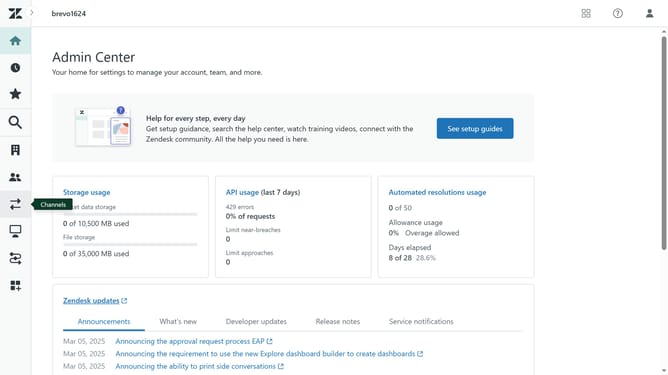
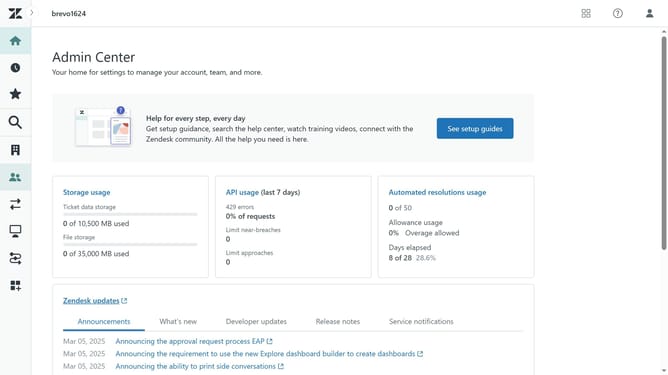
- First in Admin Center, click on the "People" icon in the left sidebar
- Then click on "User fields" under the Configuration section
- Next click on the "Actions" dropdown button in the top-right corner
- Select "Edit order" from the Actions dropdown menu
- In the Edit order view, click and drag the field you want to move
- Then release the field to drop it in the desired position
- Do the same for all the other fields you want to change the order of
- Finally click the "Save" button in the bottom-right corner to confirm the changes
Why should you change the order of custom user fields in Zendesk
Zendesk is a powerful customer service platform designed to streamline support operations and enhance customer satisfaction.
One of the standout features of Zendesk is the ability to customize the order of user fields. This flexibility allows businesses to organize data in a way that aligns perfectly with their workflow. By adjusting the sequence, teams can ensure that the most critical information is accessible at a glance, boosting efficiency and response times.
Utilizing this feature also means a more tailored experience for agents, leading to improved productivity and better customer interactions.
Last update