How to view a custom object's permissions in Zendesk
Here is how to view a custom object's permissions in zendesk
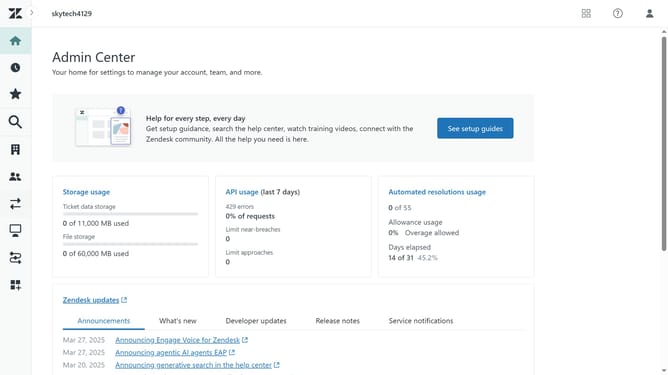
- First in Admin Center, click on the "Objects and rules" icon in the left sidebar
- Then click on "Objects" under the Custom objects section
- Next click on the the custom object you want to view the permissions for
- Click on the "Permissions" tab in the object details view
- You'll find "Object list and search" permissions, which control which agents and admins can view and search the object’s records
- Then the "Role Permissions", it defines the level of access customers have to the object's records (View, Edit, Add, Delete)
Why should you view a custom object's permissions in Zendesk
Zendesk streamlines customer service interactions by centralizing support across multiple channels.
Viewing a custom object's permissions in Zendesk ensures that you have a clear understanding of who can access specific data within your support system.
This feature is crucial for maintaining security and confidentiality, allowing only the appropriate team members to view or edit sensitive information.
Ultimately, leveraging this capability enhances your team's efficiency while safeguarding customer trust and company data integrity.
Last update