How to manage content in the spam queue in Zendesk Guide
Here is how to manage content in the spam queue in zendesk guide
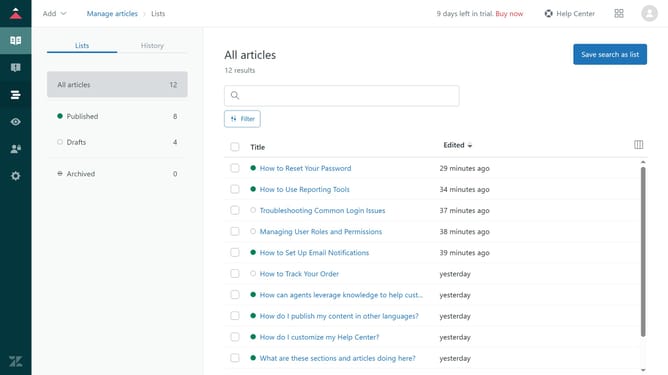
- First in Guide admin, click on the "Moderate content" icon in the left sidebar
- Then click on "Spam" option in the left sidebar menu
- Next select the checkbox next to the spam content you want to manage
- Then decide on an action, click "Delete" to remove the post, "Not spam" to approve and publish it, or "Suspend user" to suspend the user and delete their posts.
Why should you manage content in the spam queue in Zendesk Guide
Zendesk is a versatile customer service platform designed to enhance communication and foster customer loyalty.
Managing content in the spam queue within Zendesk Guide optimizes the integrity and clarity of your Help Center. This beneficial feature allows you to sift through flagged content, ensuring only relevant and valuable information is visible to users.
By effectively managing the spam queue, you maintain a high standard of user experience, preventing misinformation and enhancing the efficiency of your support team. This ultimately leads to a more trusting relationship with your audience.
Last update