How to change your default support address in Zendesk
Here is how to change your default support address in zendesk
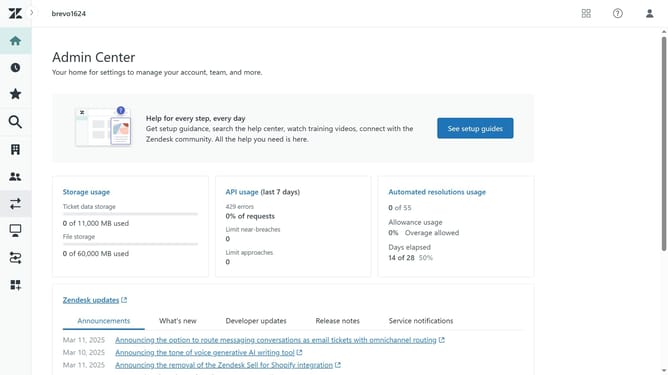
- First in Admin Center, click on the "Channels" icon in the left sidebar
- Then click on "Email" under the "Talk and email" section
- Find the "Support addresses" section in the main content area
- Hover over the address you want to make the default, then click "make default"
- Your default support address has been successfully updated. The label (default) will appear next to your newly selected default address
Why should you change your default support address in Zendesk
Zendesk is a powerful tool designed to enhance customer support efficiency and satisfaction.
Changing your default support address in Zendesk enhances your communication strategy by personalizing the interaction point for your customers.
This feature allows you to streamline your support operations by aligning your email communication with your branding.
Adapting your default address conveys professionalism and ensures customers have a seamless experience reaching your support team.
Last update