How to change the dashboard language in Zendesk Chat
Here is how to change the dashboard language in zendesk chat
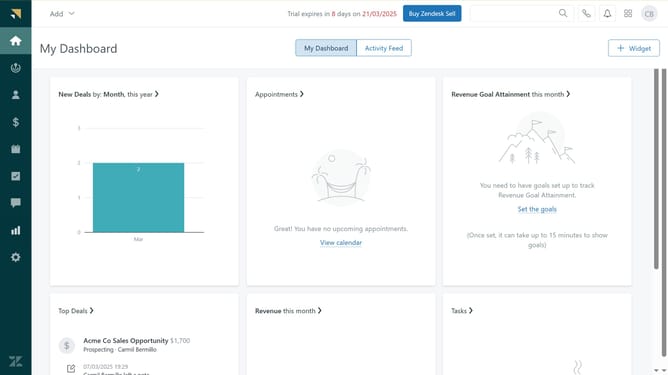
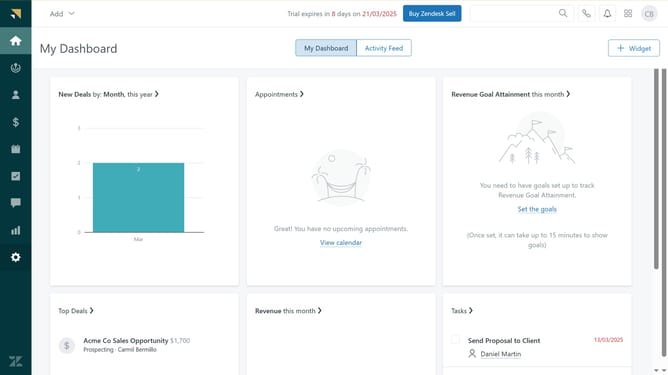
- First in your dashboard, click on "Settings" button in the left sidebar
- Then click on "Personal" item in the settings menu
- Next click on "Profile" tab in the personal settings section
- Click on the "Dashboard language" dropdown menu under the "Preferences" section
- Select your desired language from the language dropdown list
- Finally click on "Save changes" button to apply the changes
- The dashboard will now display in the chosen language
Why should you change the dashboard language in Zendesk Chat
Zendesk is a powerful tool designed to enhance customer interactions and streamline support processes.
One significant feature of Zendesk Chat is the ability to change the dashboard language. This feature allows you to tailor your interface to suit your team's preferred language, fostering better communication and efficiency within international teams.
Adjusting the dashboard language not only improves usability but also creates a more inclusive and comfortable environment for team members, enhancing productivity and user satisfaction.
Last update