How to enable an app in Zendesk
Here is how to enable an app in zendesk
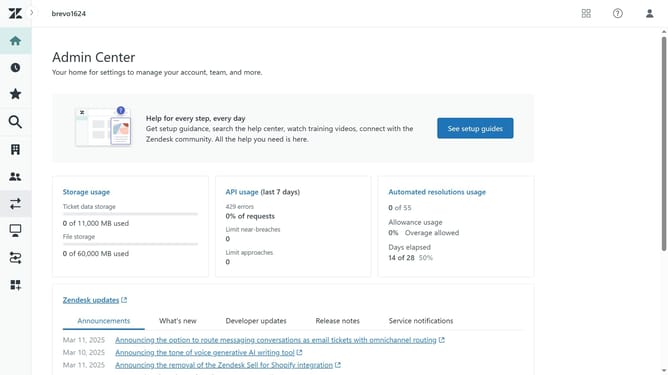
- First in the Admin Center, click on the "Apps and integrations" icon in the left sidebar
- Then click on "Zendesk Support apps" under the Apps section
- Click on the "Currently Installed" tab in the top navigation menu
- Under the "Disabled apps" section, hover over the app you want to enable and click the dropdown arrow
- Finally, click on the "Disabled" toggle switch in the dropdown menu to enable it
- The app will now appear in the Enabled apps section
Why should you enable an app in Zendesk
Zendesk is a versatile customer service platform designed to enhance support and foster better communication.
Enabling an app in Zendesk streamlines workflows by integrating vital tools directly into the platform. This feature offers the flexibility to customize and improve the functionality of your support operations.
Incorporating apps allows teams to tailor their Zendesk experience, boosting productivity and ensuring a seamless user experience. This enhances overall efficiency in handling customer inquiries and maintaining satisfaction.
Last update